Many web stores keep their blog in a separate WordPress. Product links in the articles go stale, languages live in different places, and the reader never sees price or stock. Technical SEO has to be done twice as well.
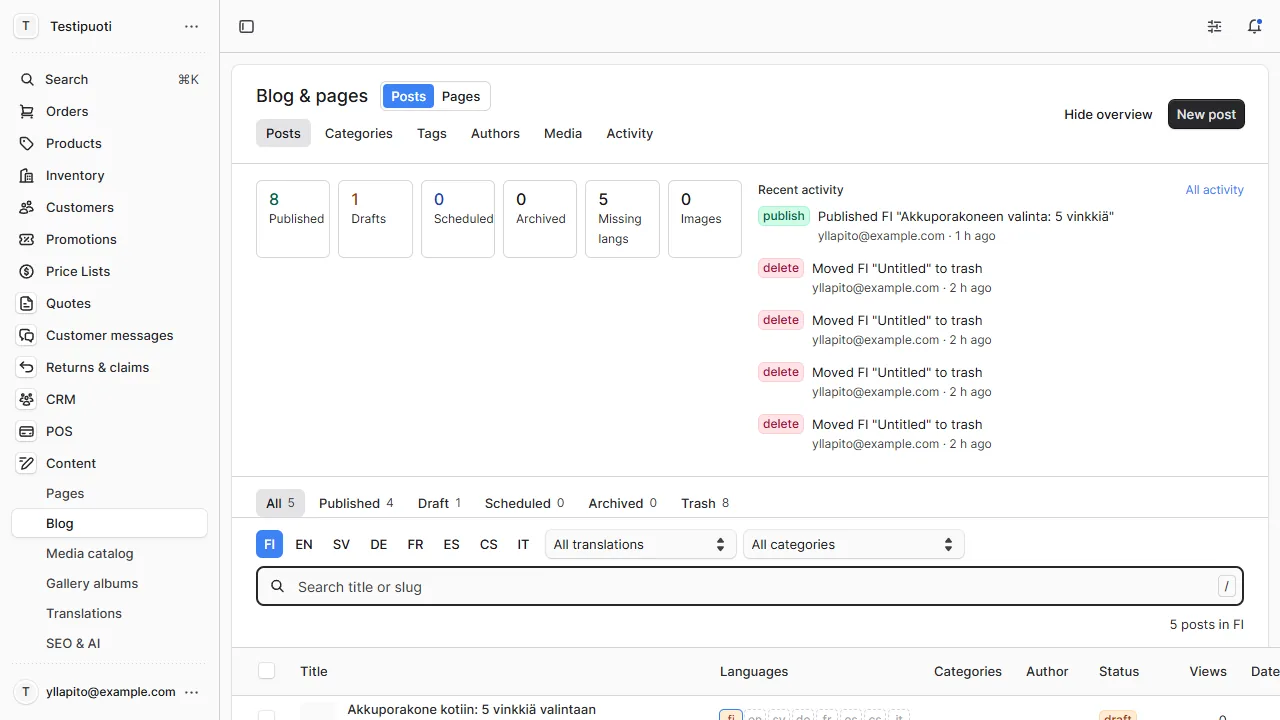
In KIDE the blog, pages and FAQ live in the store's own admin. The block editor has headings, lists, tables, images from the media library, video, buttons, a product carousel and an FAQ block.
Watch the video: An article, an FAQ block and a product carousel
Video captions
- Blog and pages in the same admin as the products
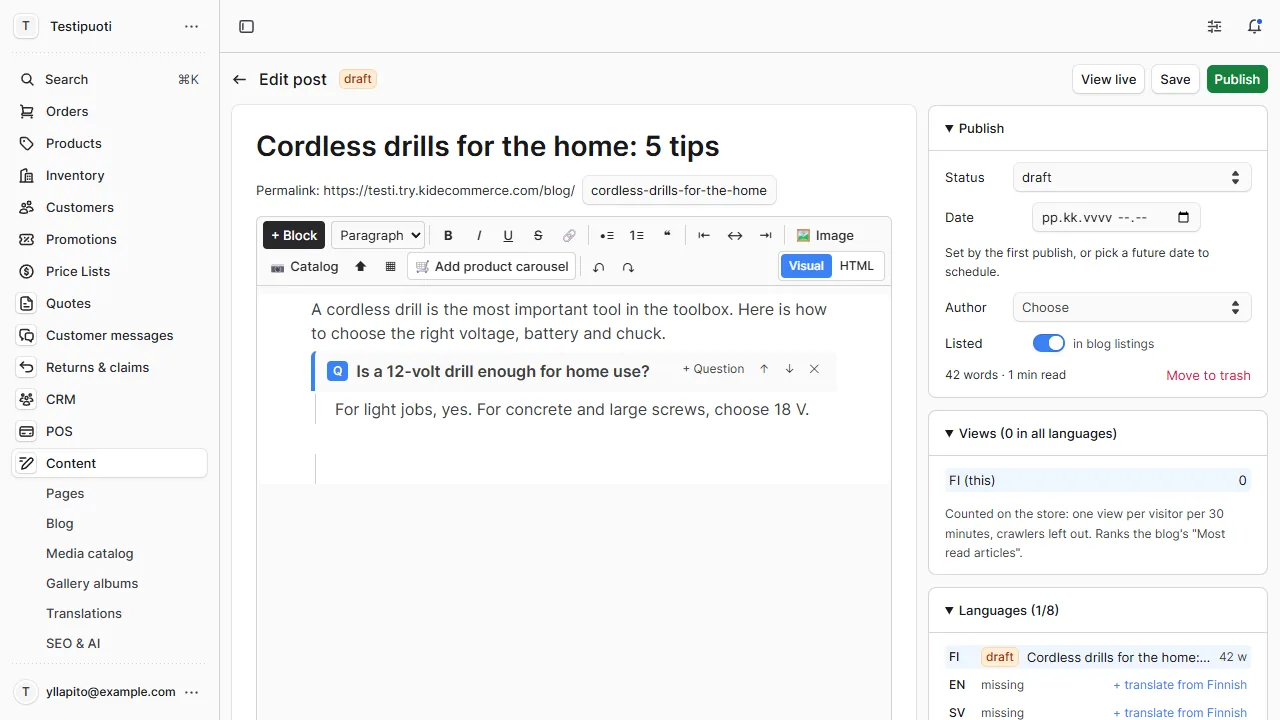
- A new article: title and text in the block editor
- FAQ block: question and answer – the FAQ structured data is created for you
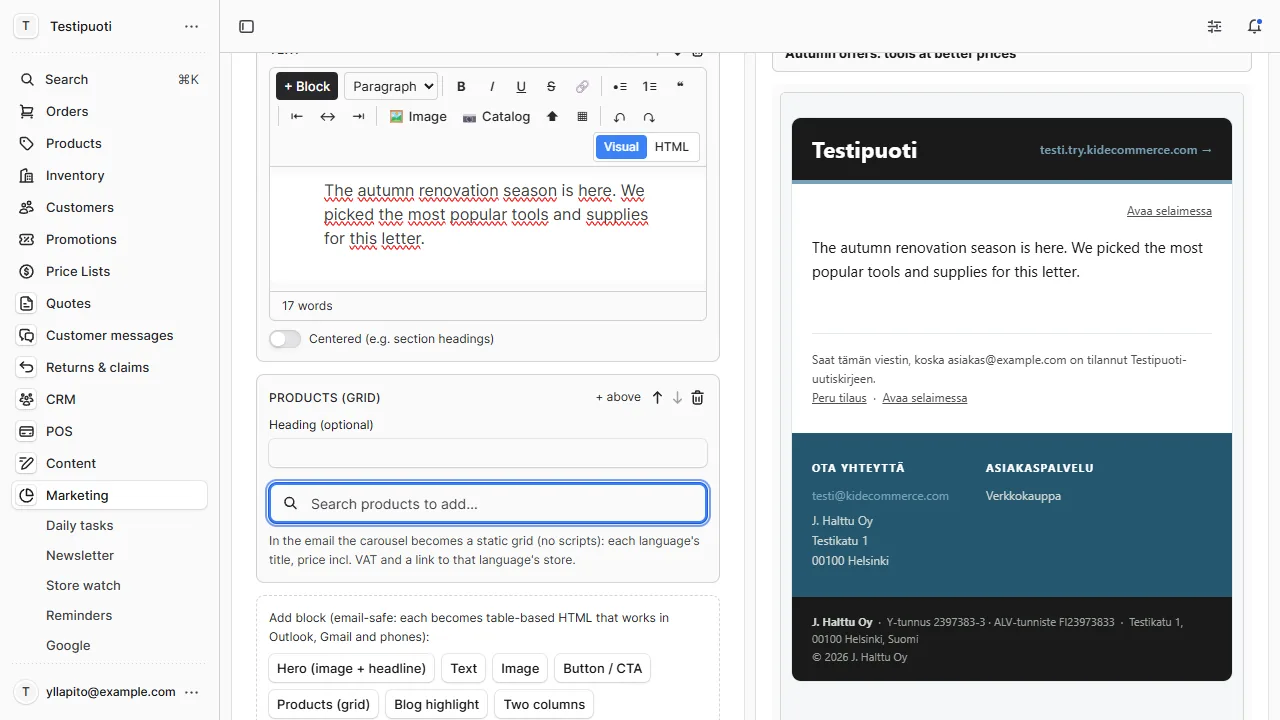
- A product carousel brings products straight into the article
- The SEO panel scores the article and shows the Google preview
- Saved as a draft – publish or schedule with one click
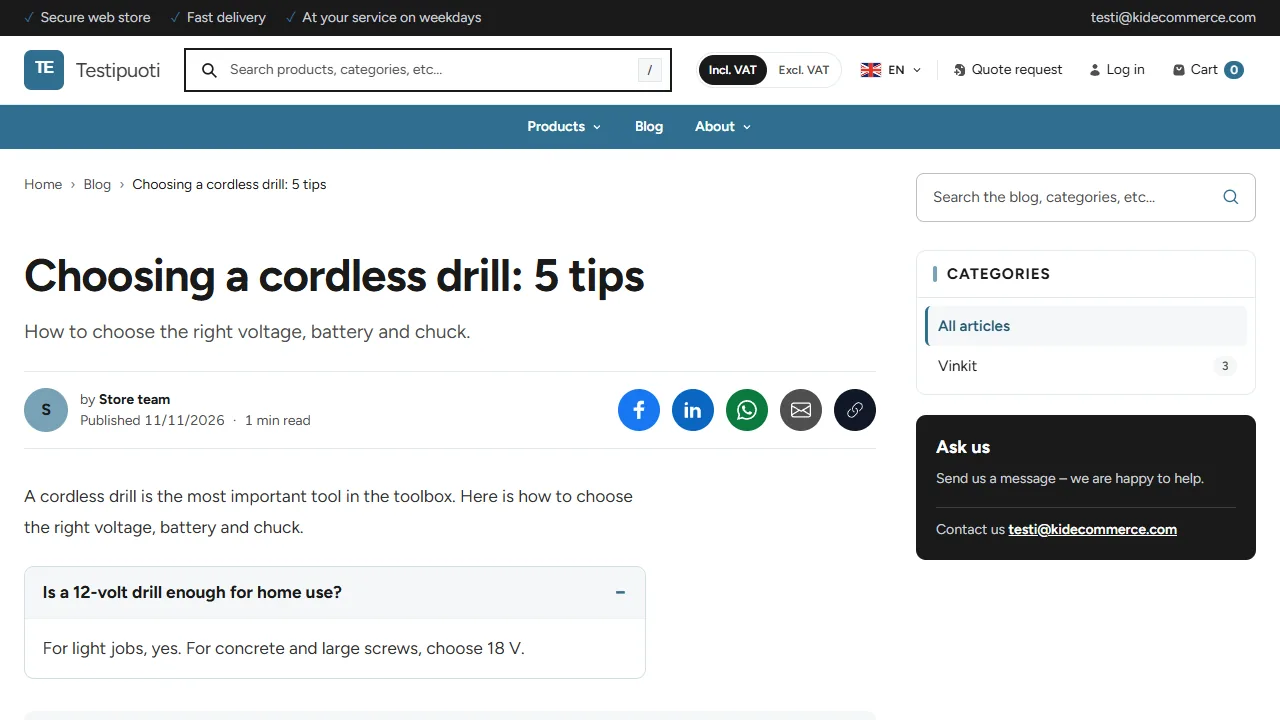
- The published article in the store
- The FAQ shows as questions and answers – and search engines get the FAQ data
The FAQ block makes the FAQ data for you
You write a question and an answer, and KIDE turns them into FAQPage structured data. Search engines and AI assistants understand the question–answer structure well, so the same content serves both readers and search. FAQ blocks also work in category descriptions.
Products in the article and SEO at the same time
A product carousel brings products with prices straight into the article, and the products get links from relevant text. The SEO panel in the sidebar shows the Google preview, focus keyword, title and description length, subheadings, internal links and images. The Internal links tool suggests links between articles, categories and products.
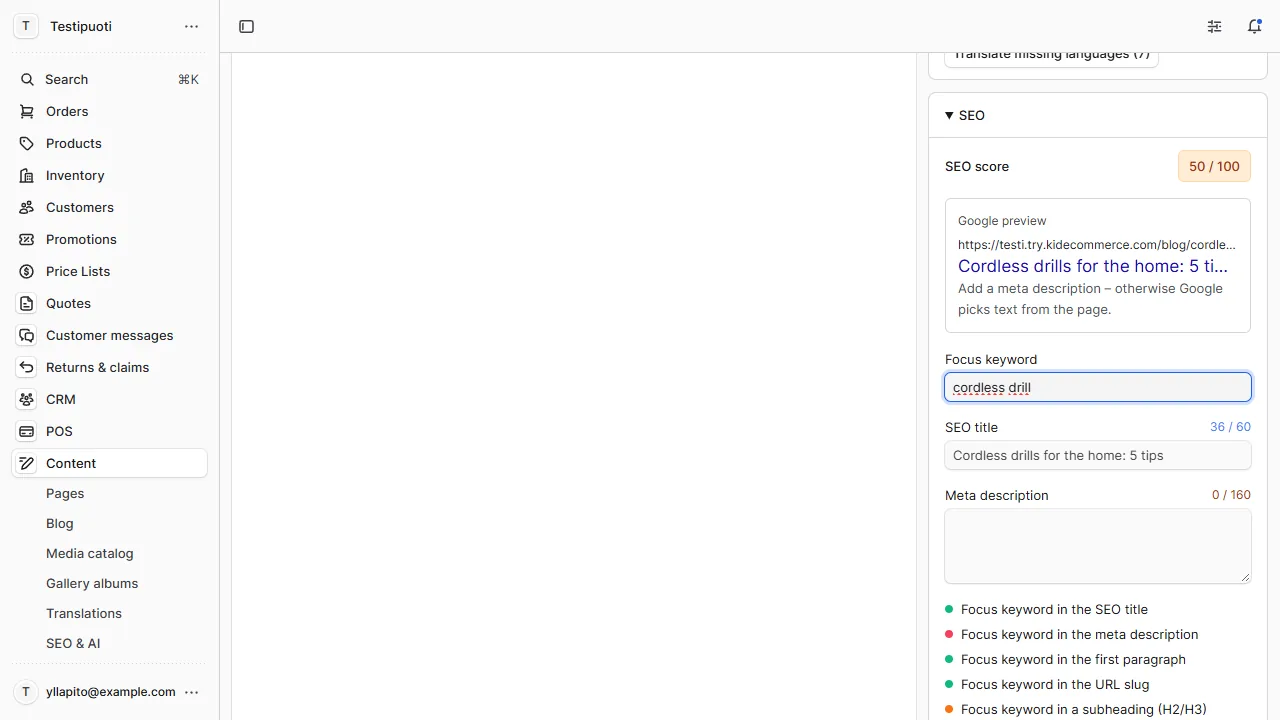
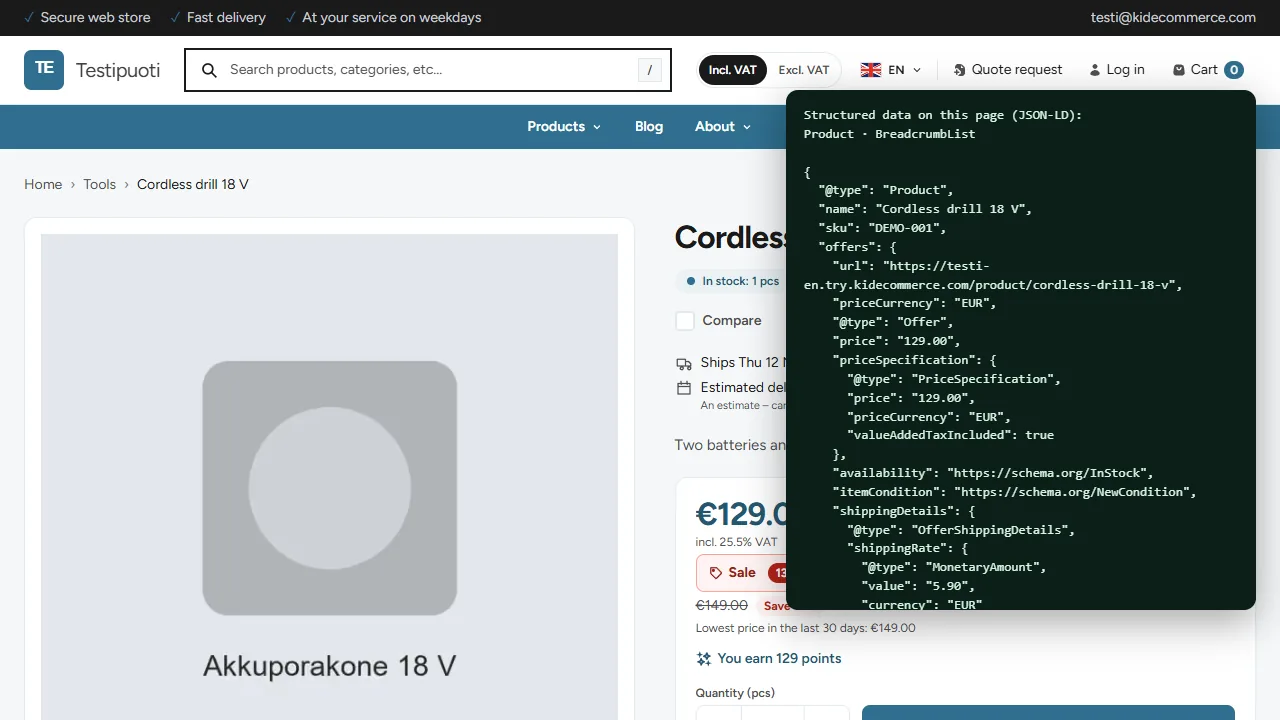
Articles get BlogPosting, BreadcrumbList and FAQPage data, author information and dates automatically. Language versions are translated through a review window, and publishing can be scheduled. Read also about technical SEO.
What the customer sees: the published article
In the published article the FAQ shows as questions and answers, and the page carries FAQPage structured data for search engines and AI search.
How to do it
- Open Content → Blog and press New post.
- Write the title and the text. A slash / opens the block menu.
- Add an FAQ block with /faq, write the question and press + Answer.
- Add a product carousel and choose the products that fit the article.
- Fill in the focus keyword and description in the SEO panel, save, and publish or schedule.
Images: the KIDE Mini test shop, demo content.