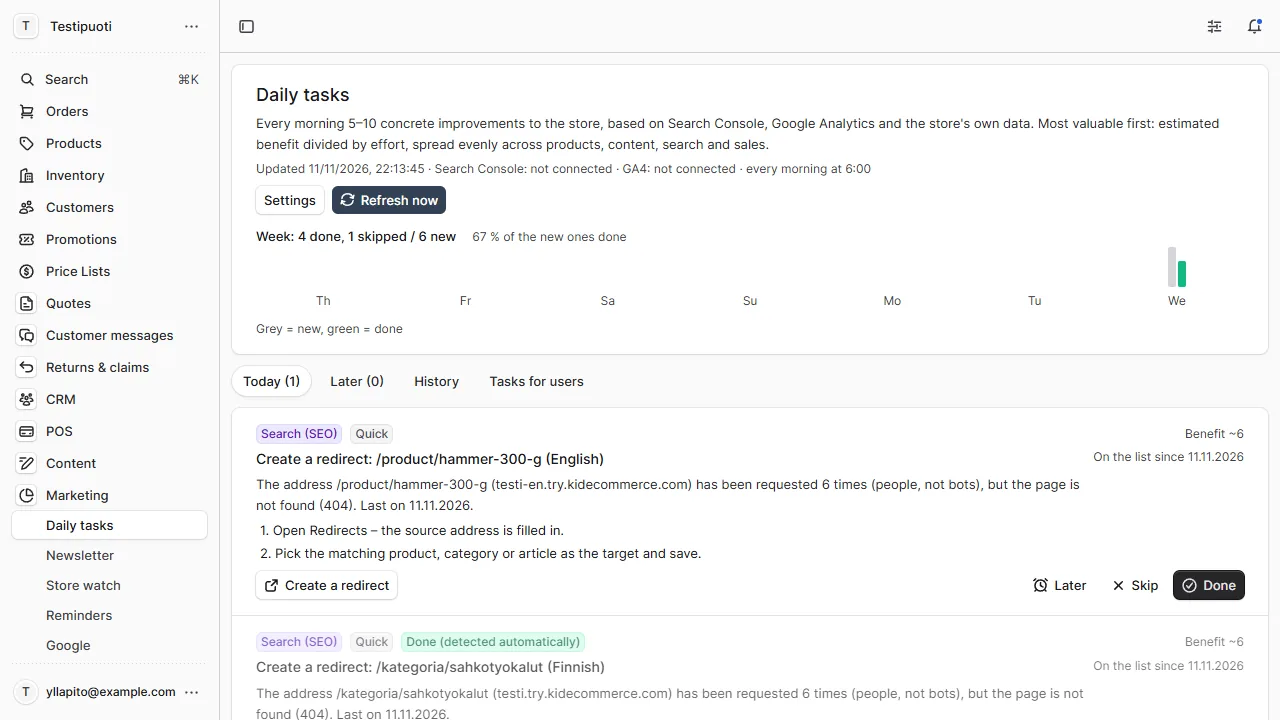
When the newsletter lives in a separate service, products are copied by hand, customer lists are exported as CSV and prices go out of date. The service is paid for separately and grows with the number of subscribers.
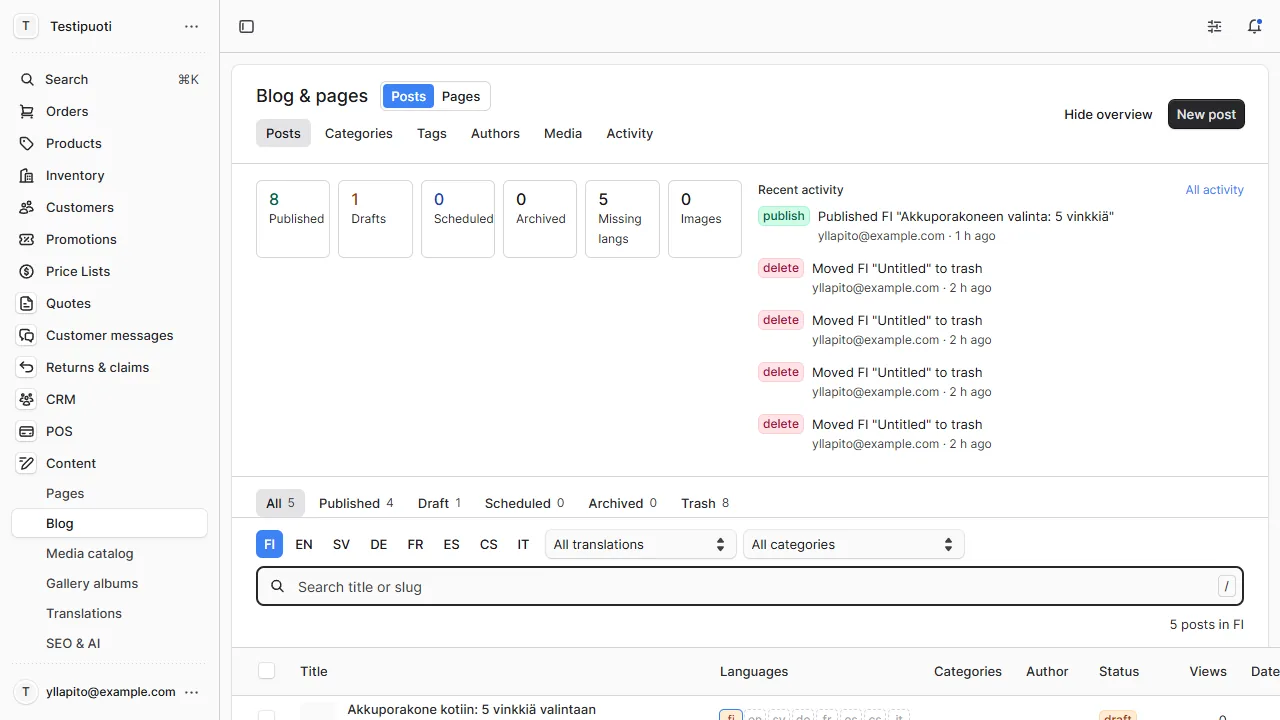
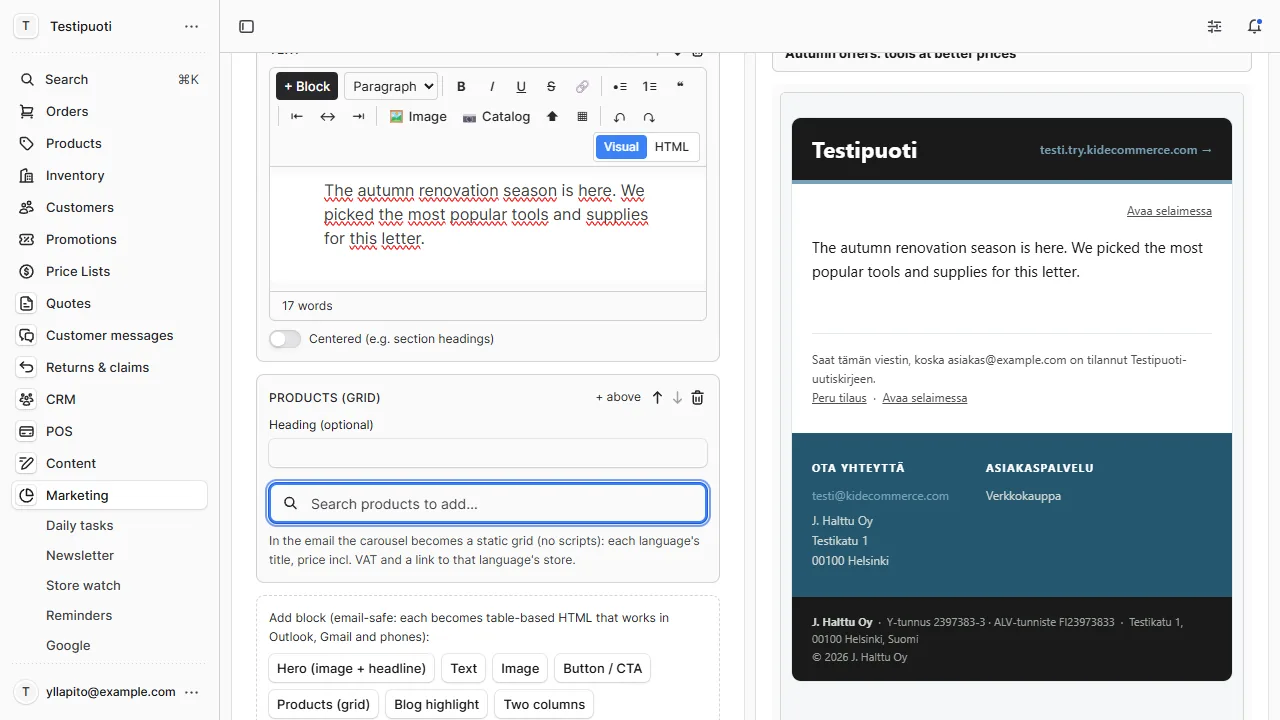
In KIDE the newsletter is part of the store. Email-safe blocks work in Outlook, Gmail and on phones: hero, text, image, button, product grid, blog highlight, two columns, and social and contact.
Watch the video: A newsletter from start to statistics
Video captions
- Newsletters are made in the store's own admin
- Subject, preheader and content as blocks
- The product grid pulls products straight from the store, with prices
- Preview on a phone before sending
- Audience: lists, customer types, buyers and loyalty members
- The calendar shows planned, scheduled and sent letters
- Statistics: opens, clicks, unsubscribes and sales
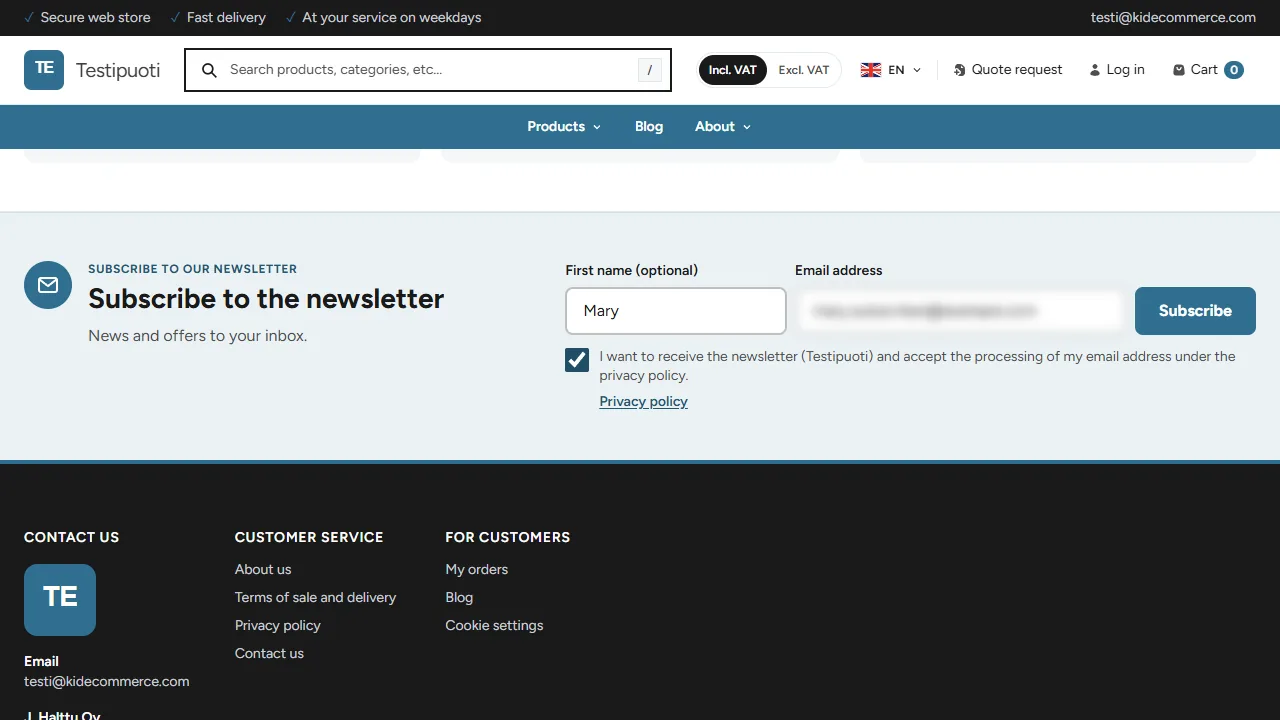
- In the store: the signup form at the bottom of every page
- The subscriber confirms the address by email – only then do letters start
- The letter in the browser: products with prices and links to the store
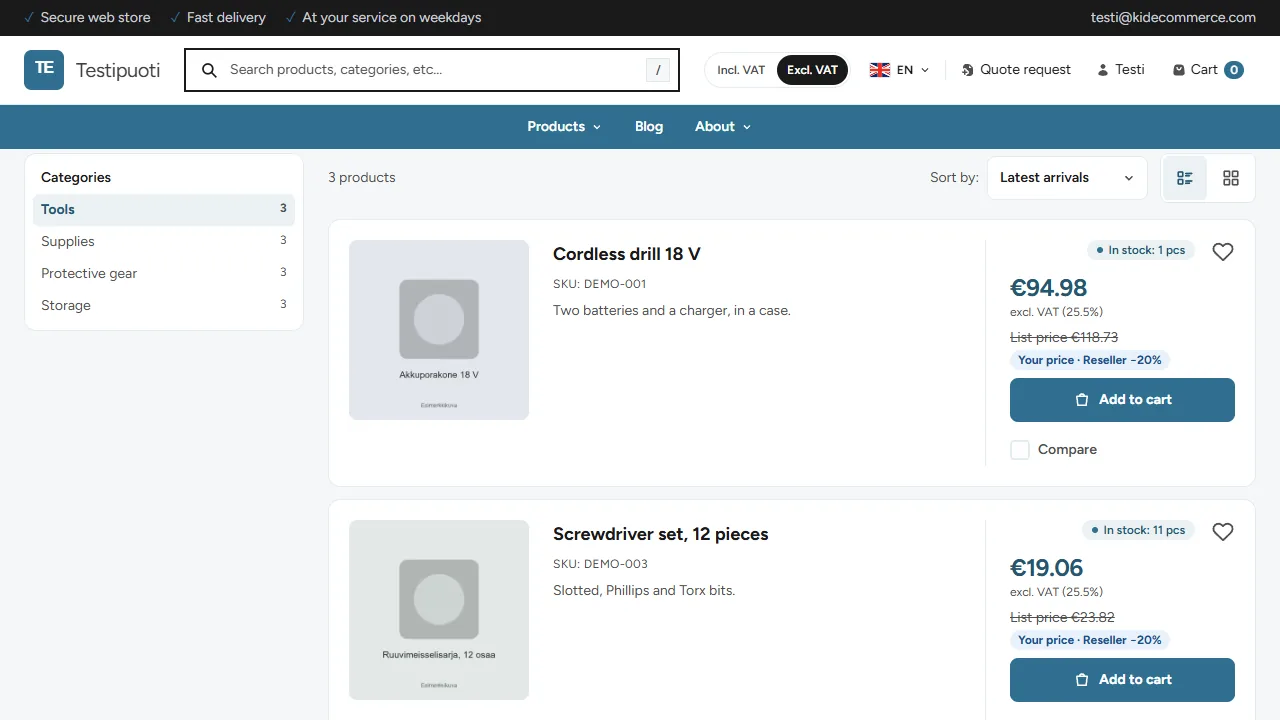
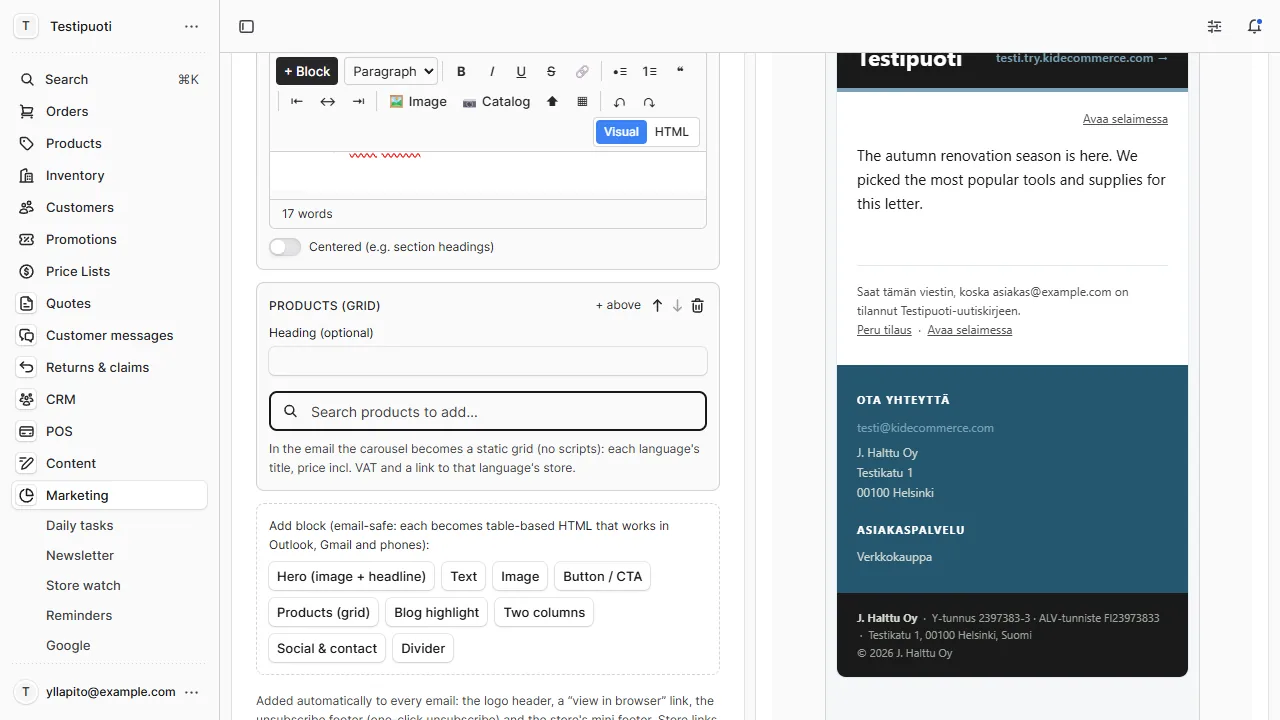
Products and prices straight from the store
You find products for the grid by name, and the cards come from the store with images, prices and links. UTM tags are added to the links automatically, so analytics shows which letters bring visits and sales. The preview shows the letter on a computer and on a phone.
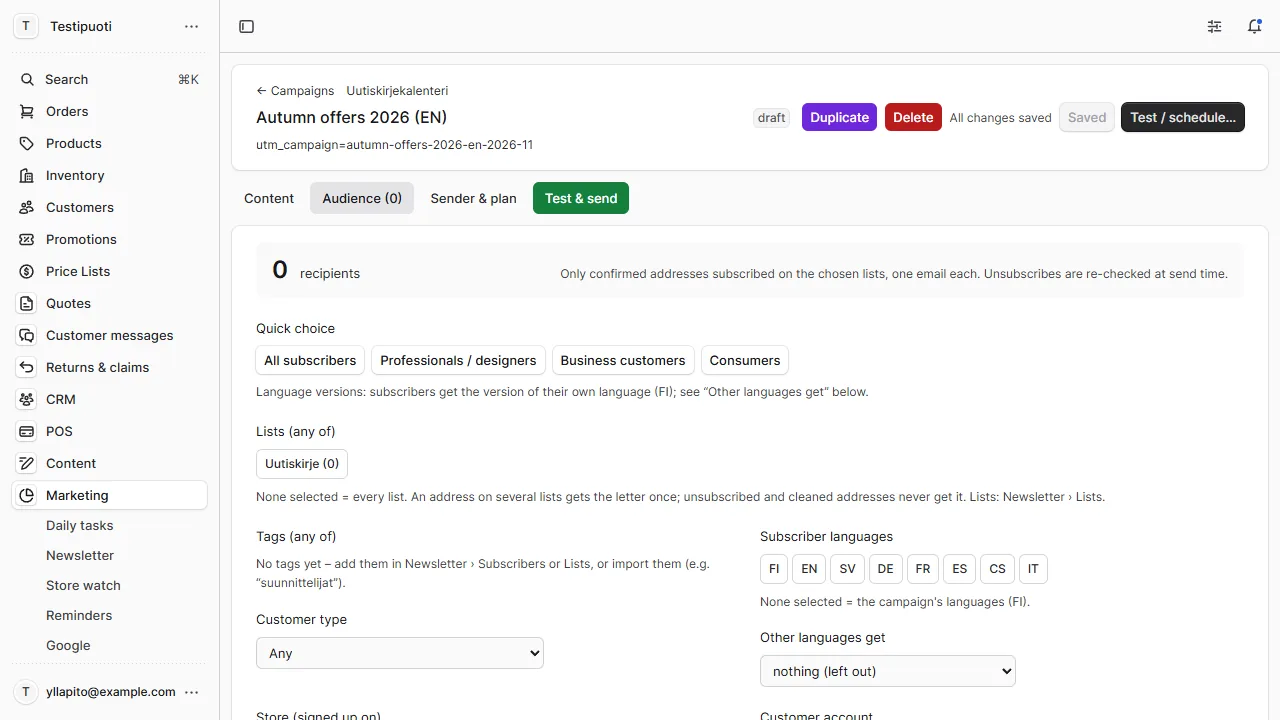
The audience from the store's own data
A letter only goes to confirmed subscribers. The audience is narrowed by lists, tags, customer type, language, store, customer account, orders and loyalty membership. Unsubscribes are checked again at send time, and every letter has one-click unsubscribe.
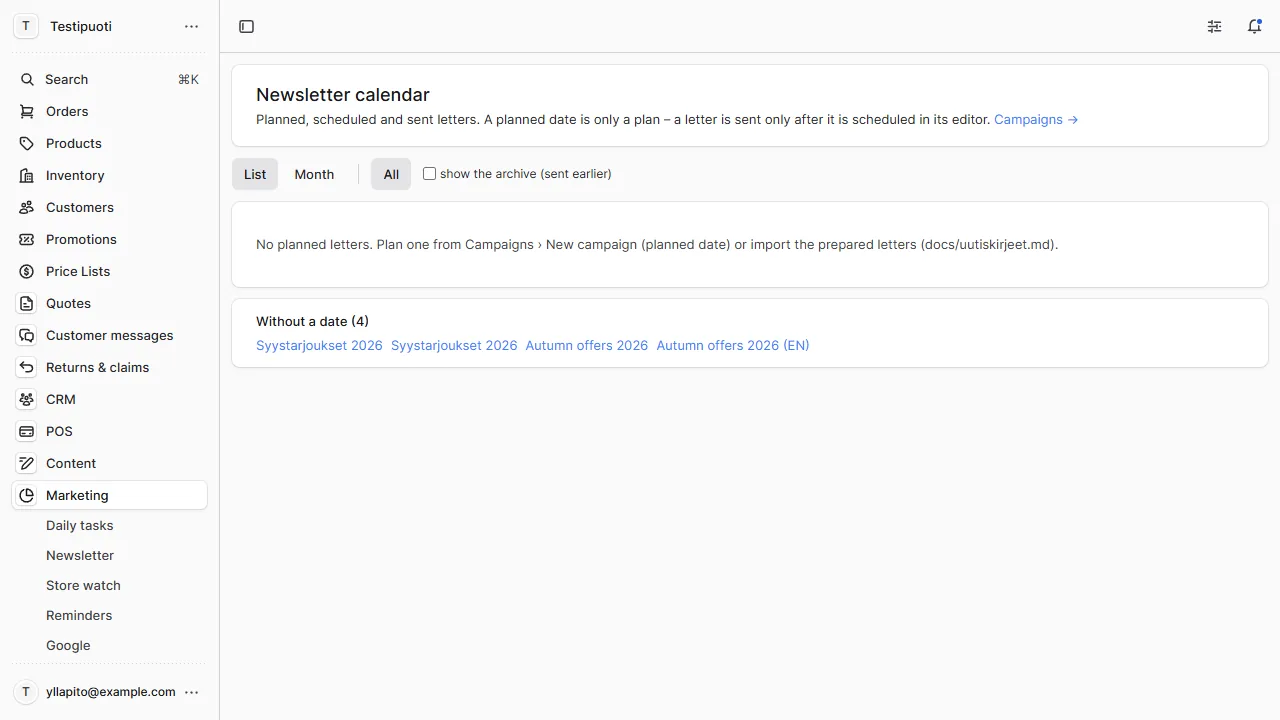
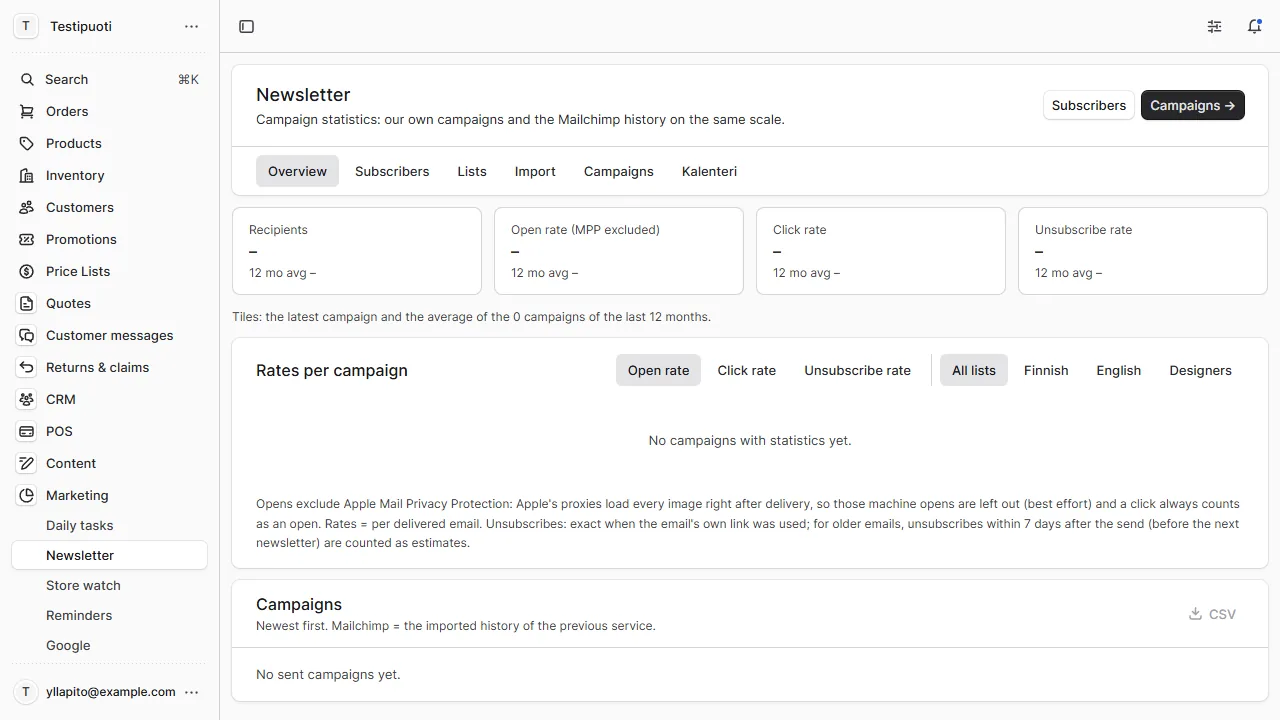
Calendar, reminders and statistics
The newsletter calendar helps you plan the year's campaigns. Abandoned cart and quote reminders can be switched on. The statistics show sends, opens, clicks and unsubscribes per letter, and your old Mailchimp history can be imported into the same view.
What the customer sees: signing up and the letter
The signup form is at the bottom of every page in the store. The subscriber confirms the address by email, and only then do the letters start. The letter can also be opened in a browser.
How to do it
- Open Marketing → Newsletter → Campaigns and press New campaign.
- Name the campaign and create the draft. Write the subject and the preheader.
- Add blocks: text, product grid, button or blog highlight. Check the mobile preview.
- Choose the recipients on the Audience tab.
- Send a test to yourself and schedule or send the campaign. Follow the results in the statistics.
Images: the KIDE Mini test shop, demo content.