A competitor publishes a better page, a product address changes or Google updates its algorithm. A ranking falls from position 4 to 8 and clicks halve. Search Console shows all this, but only if someone looks at it every day and knows how to read the numbers.
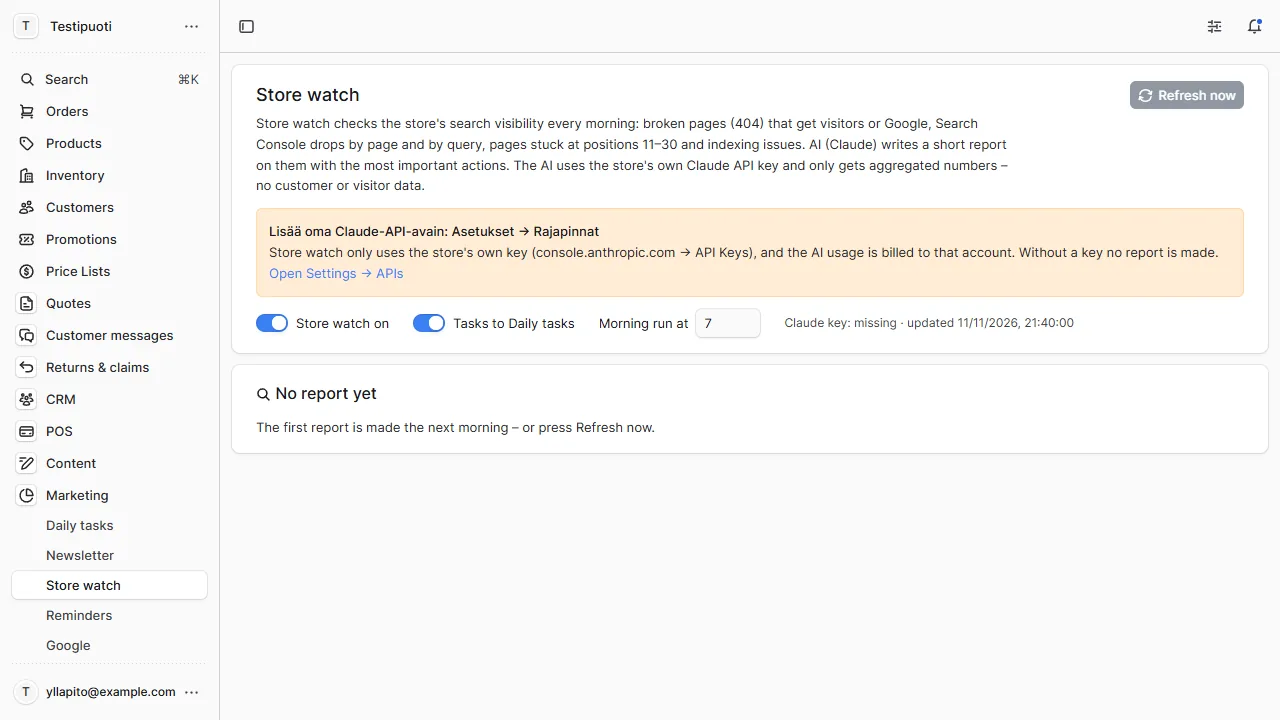
Store Watch does that for you. Every morning it checks your store's search visibility and writes a short report of the most important actions.
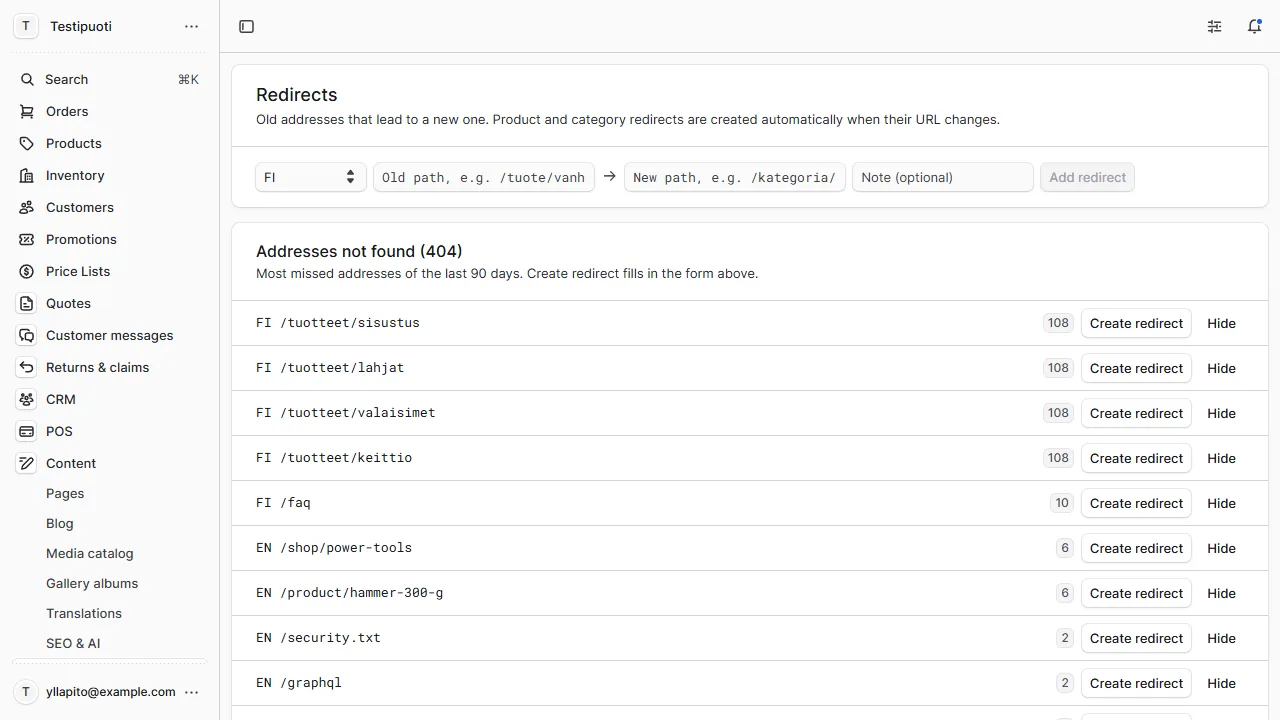
- Broken pages (404) that get visitors or Google search results.
- Search Console drops by page and by query, compared with the previous period.
- Almost on page one: pages stuck in positions 11–30.
- Indexing problems that keep a page out of search.
Watch the video: Switching on Store Watch and fixing an old address
Video captions
- Store Watch checks your store's search visibility every morning
- 404 pages, Search Console drops and pages stuck in positions 11–30
- One switch turns it on – findings also go to Daily tasks
- Claude writes the report using the store's own API key
- The AI only gets aggregated numbers – no customer or visitor data
- Error log: old addresses that still get visitors
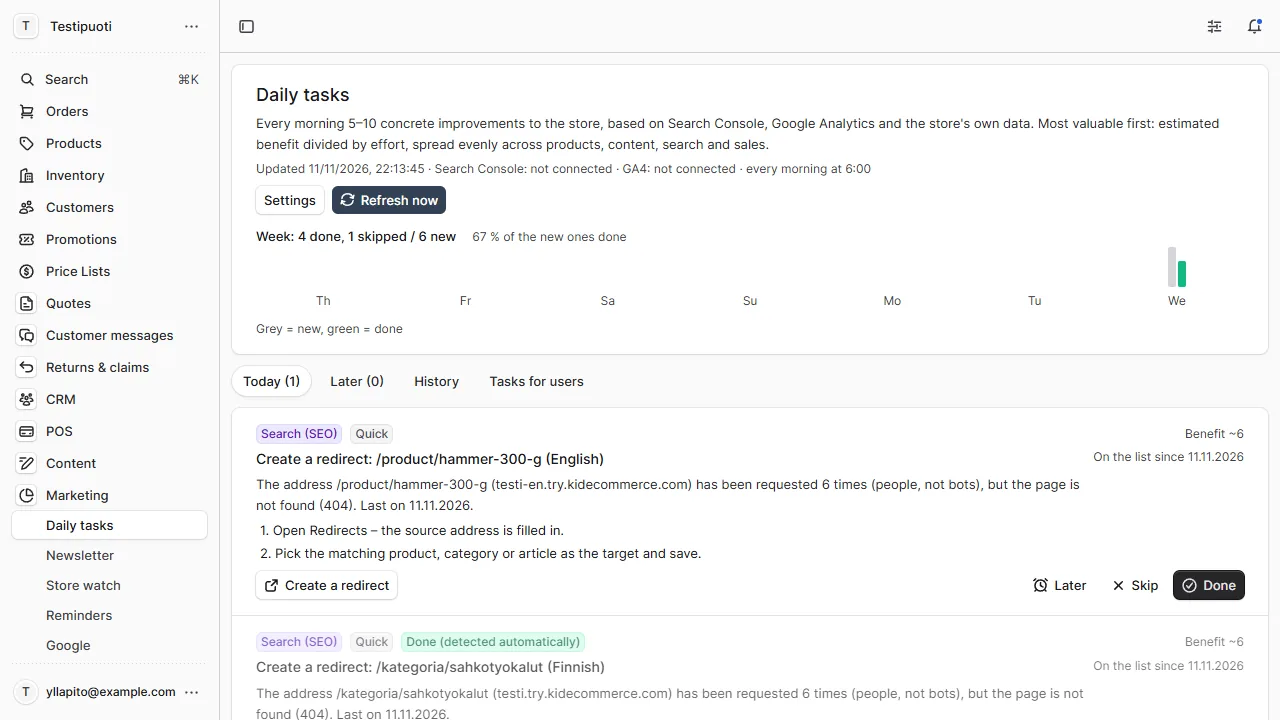
- Create a redirect: the source is filled in, choose the target
- Visitors and link value are not lost
- The other findings wait in Daily tasks
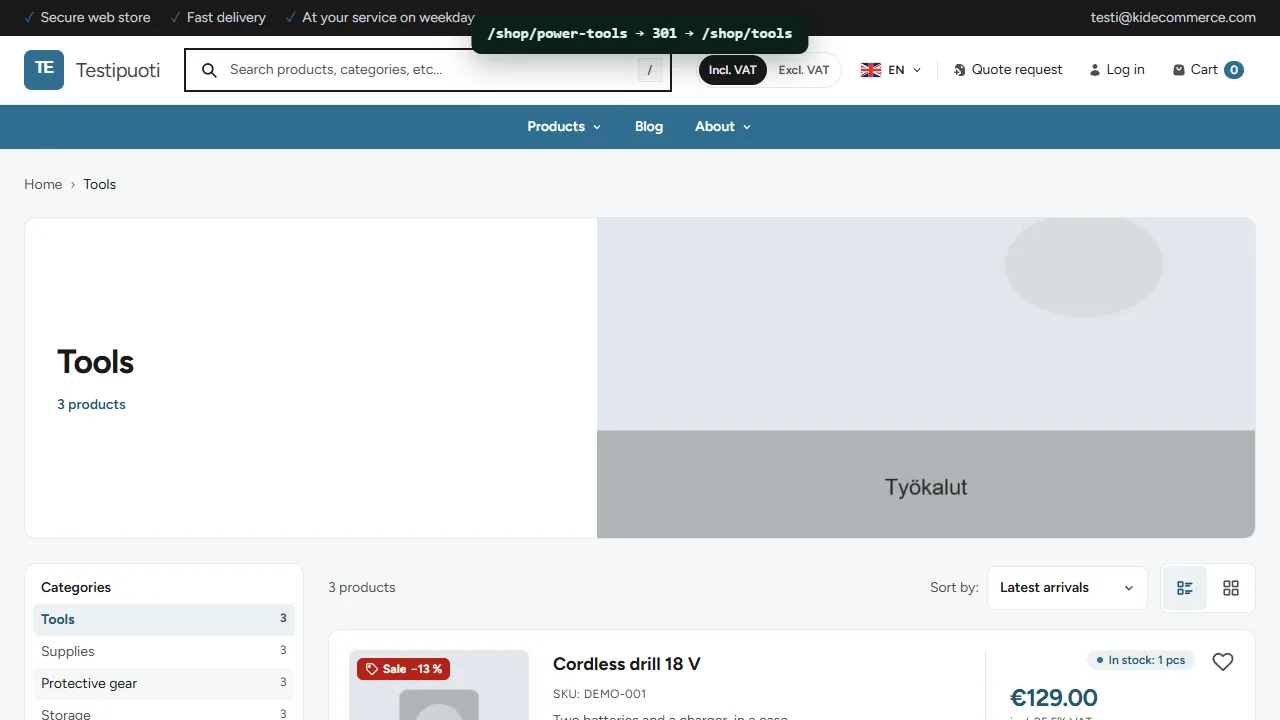
- In the store: the old link now lands on the right page
- Visitors never see an error page, and Google moves the ranking to the new address
A report you can read over morning coffee
The AI (Claude) writes a few paragraphs about the findings and a list of the most important actions. Below is an example of the report's structure. The numbers are made up.
The query “cordless drill” has slipped from position 4.8 to 7.9 in four weeks and clicks are down. Two old product addresses end on an error page although Google still sends visitors to them.
Update the category page title and description and link to the most popular products.
Old address /tuote/akkuporakone-14-v: redirect it to the new model.
A guide article sits at position 12. Add FAQs and internal links.
The AI uses the store's own Claude API key, so usage is billed directly to the store's own Anthropic account. The AI only gets aggregated numbers, never customer or visitor data.
The fix in the same admin
Store Watch findings can also go to Daily tasks. An old address is redirected to the new one in two clicks, so visitors and link value are kept. Merchants don't need to watch for technical faults: our operations team handles them as part of the service.
What the customer sees: visitors get where they meant to go
After the fix, a visitor from Google or an old link lands in the right category. Google moves the ranking to the new address, and the link value is kept.
How to do it
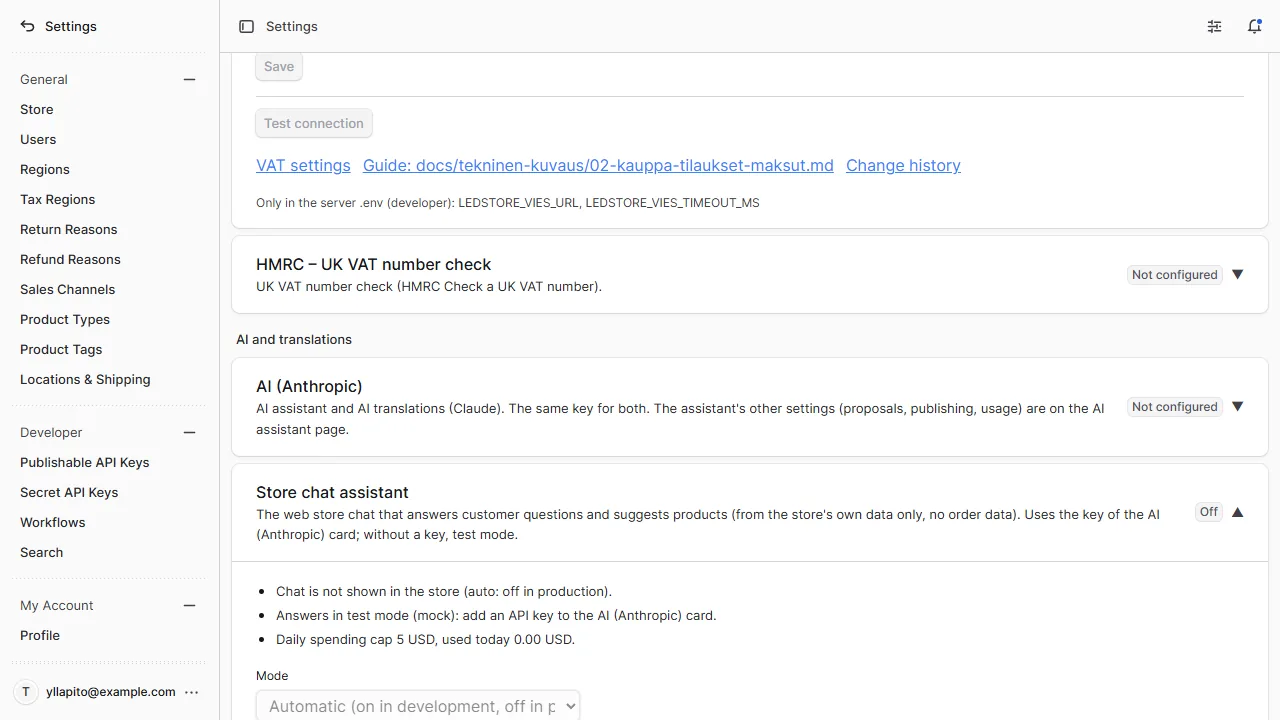
- Add the store's own Claude API key: Settings → APIs → AI (Anthropic).
- Open Marketing → Store Watch and switch Store Watch on.
- Choose whether findings become Daily tasks, and set the time of the morning run.
- Read the report in the morning. Open the most important action from its button.
- Fix it, for example create a redirect for an old address, and mark the task as done.
Images: the KIDE Mini test shop, demo content.