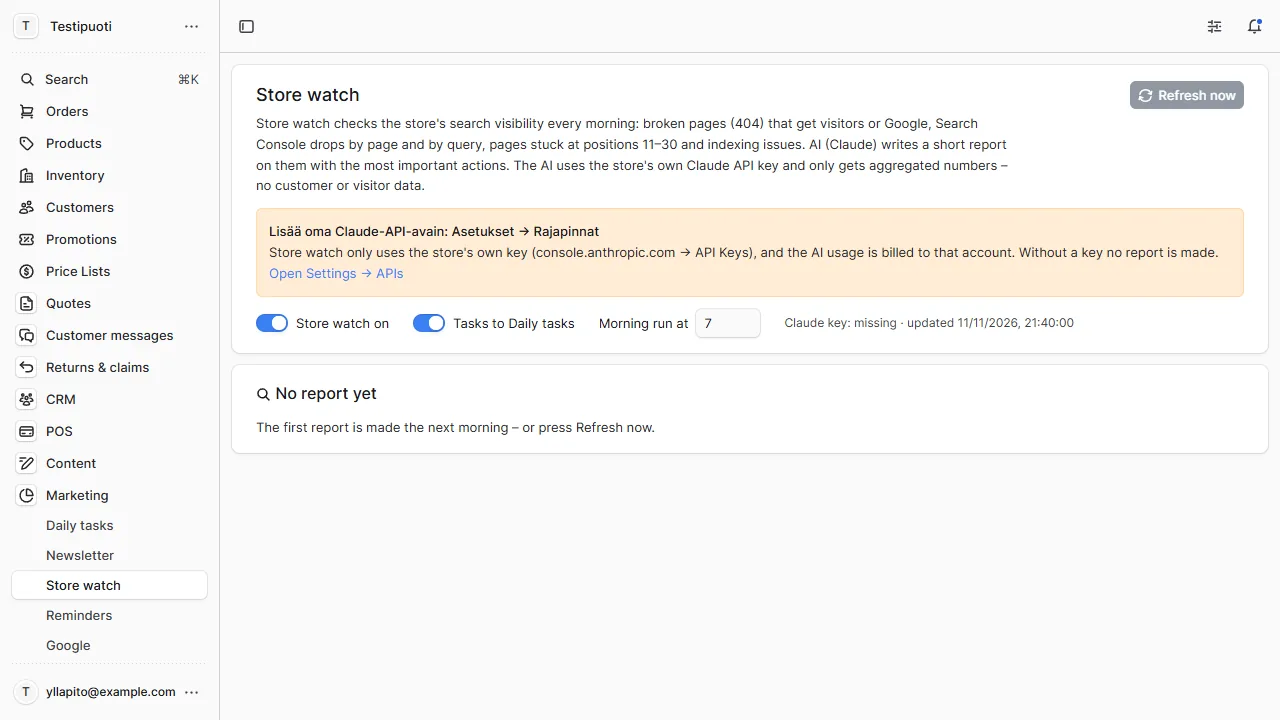
Search data, analytics and your own store data say a lot, but going through them takes hours. Many merchants open Search Console, don't know where to start and close it again. The important fixes never get done.
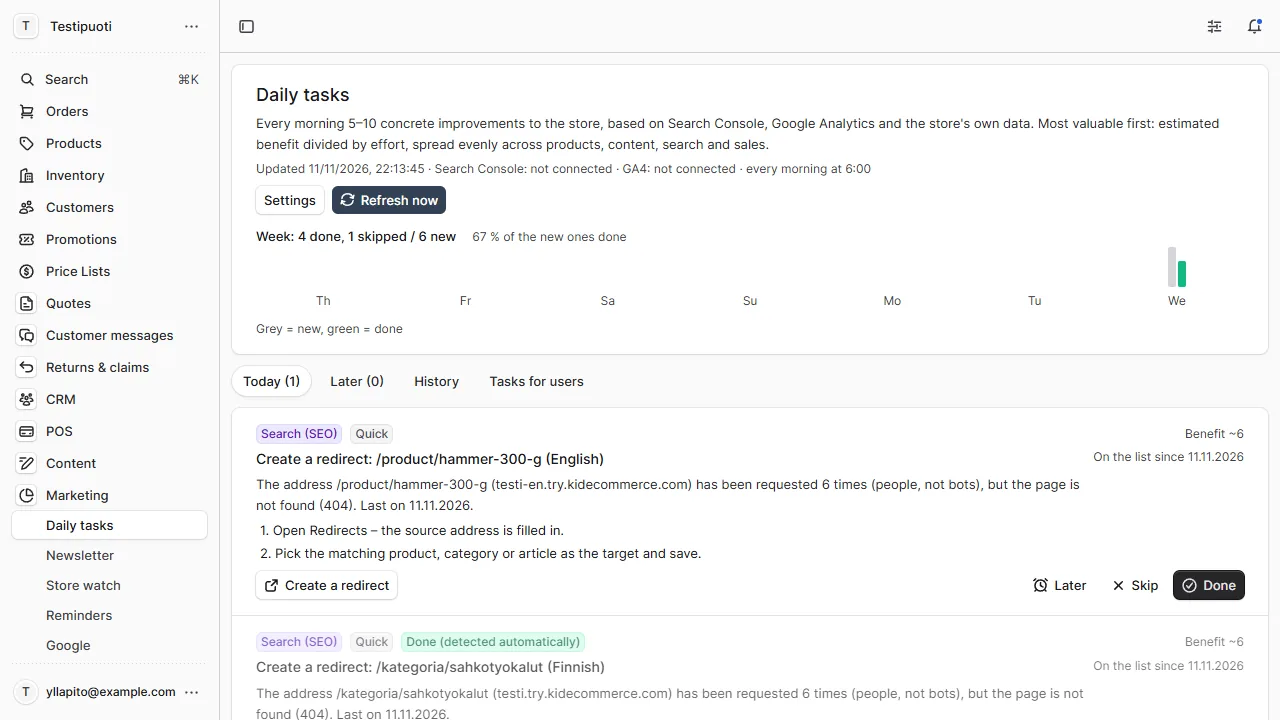
Daily tasks does that work for you. Every morning KIDE goes through Search Console, Google Analytics and the store's own data and picks 5–10 tasks with the best estimated benefit for the effort. The groups take turns: search, content, products and sales.
Watch the video: A daily task from start to finish
Video captions
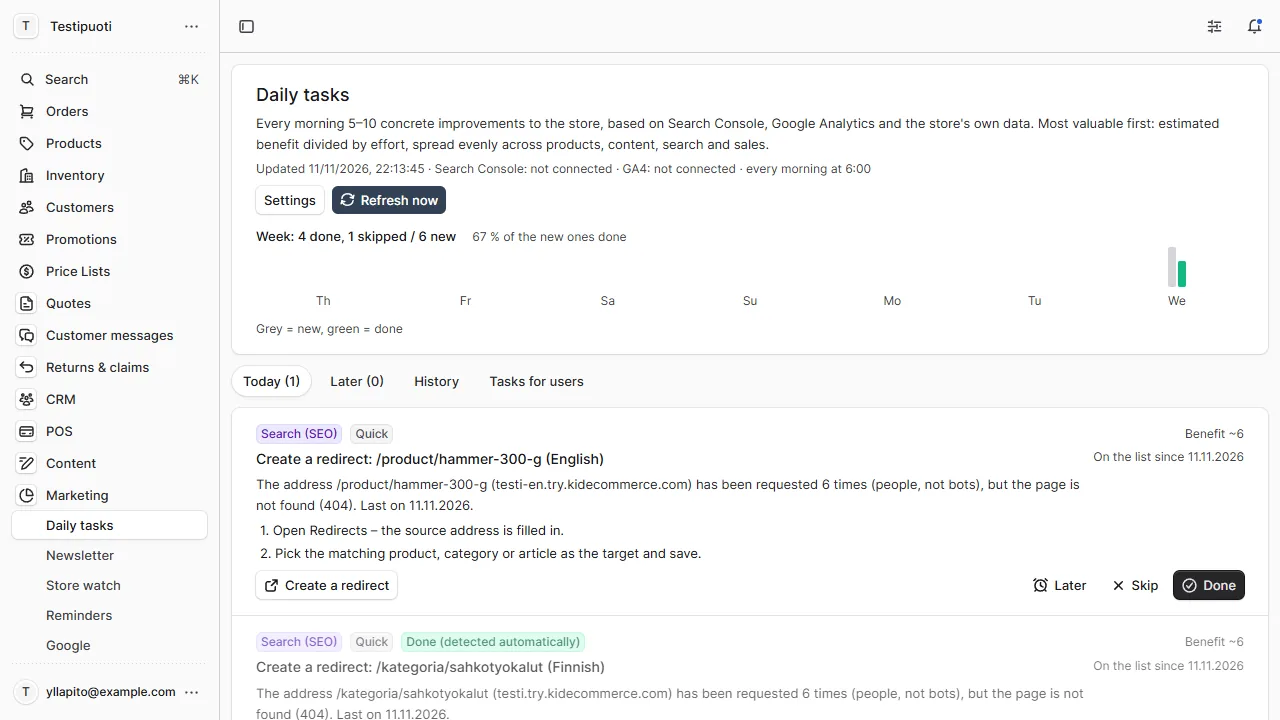
- Daily tasks: every morning a list of improvements worth doing today
- The weekly chart shows how many new tasks have been done
- Every task comes with the reason in numbers and ready-made steps
- Visitors still arrive at an old address that no longer exists. Let's redirect it.
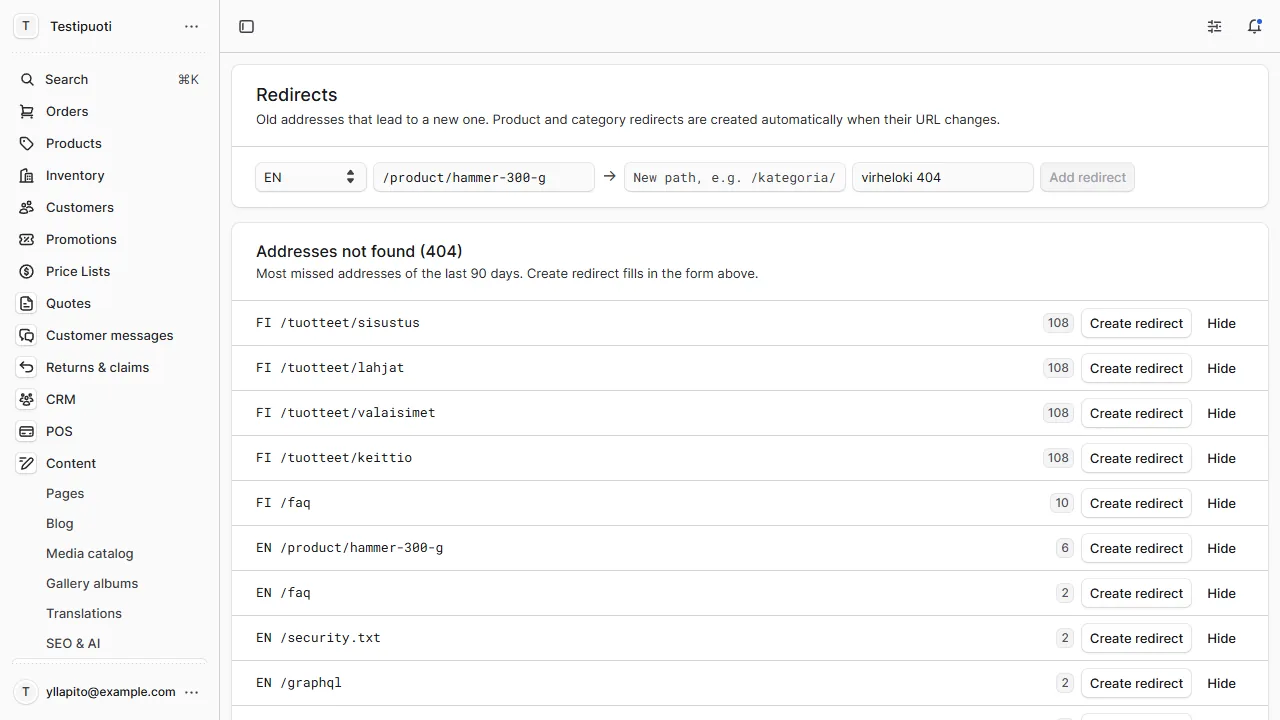
- The old address is already filled in. Choose the new one.
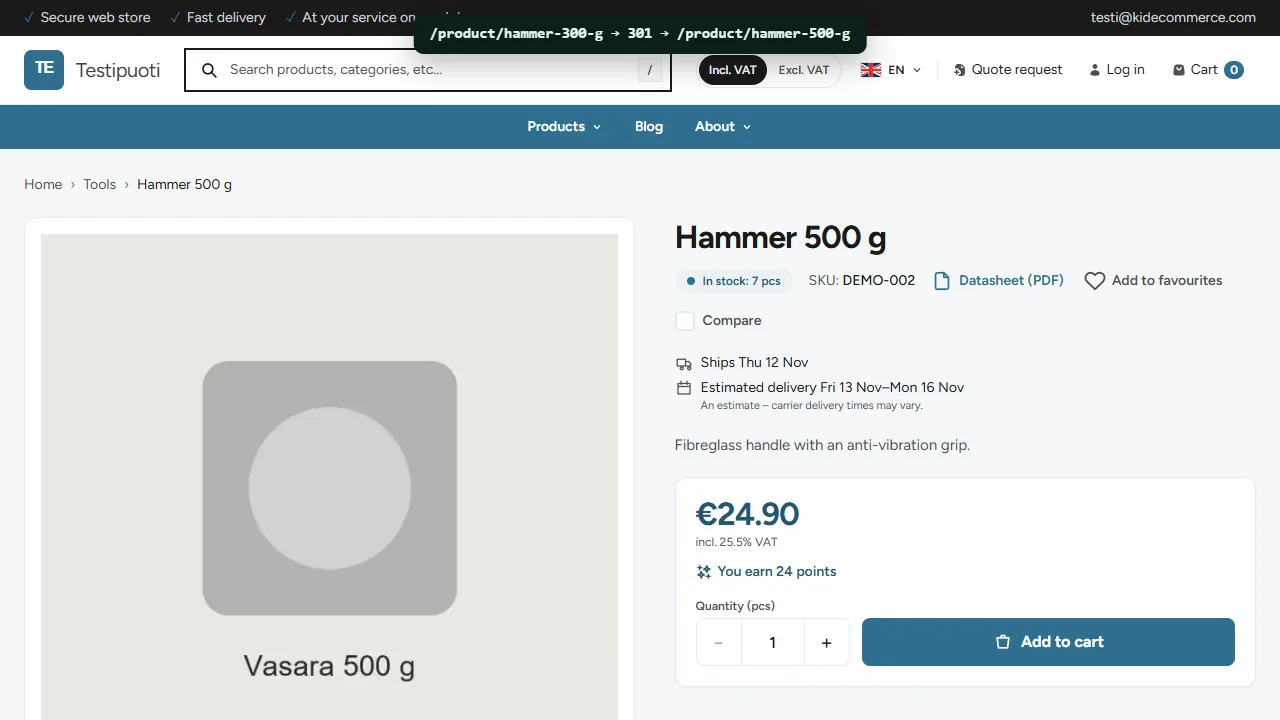
- The redirect works at once, and visitors land on the right product
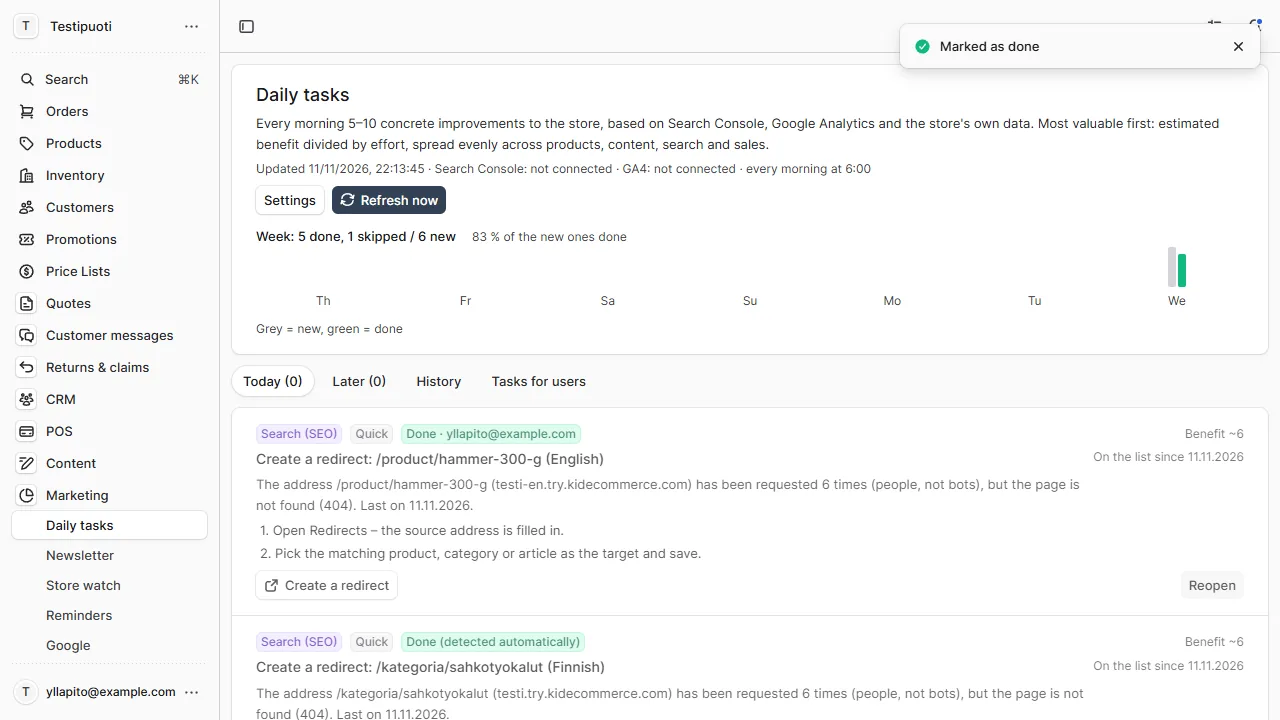
- Back to the list: mark the task as done
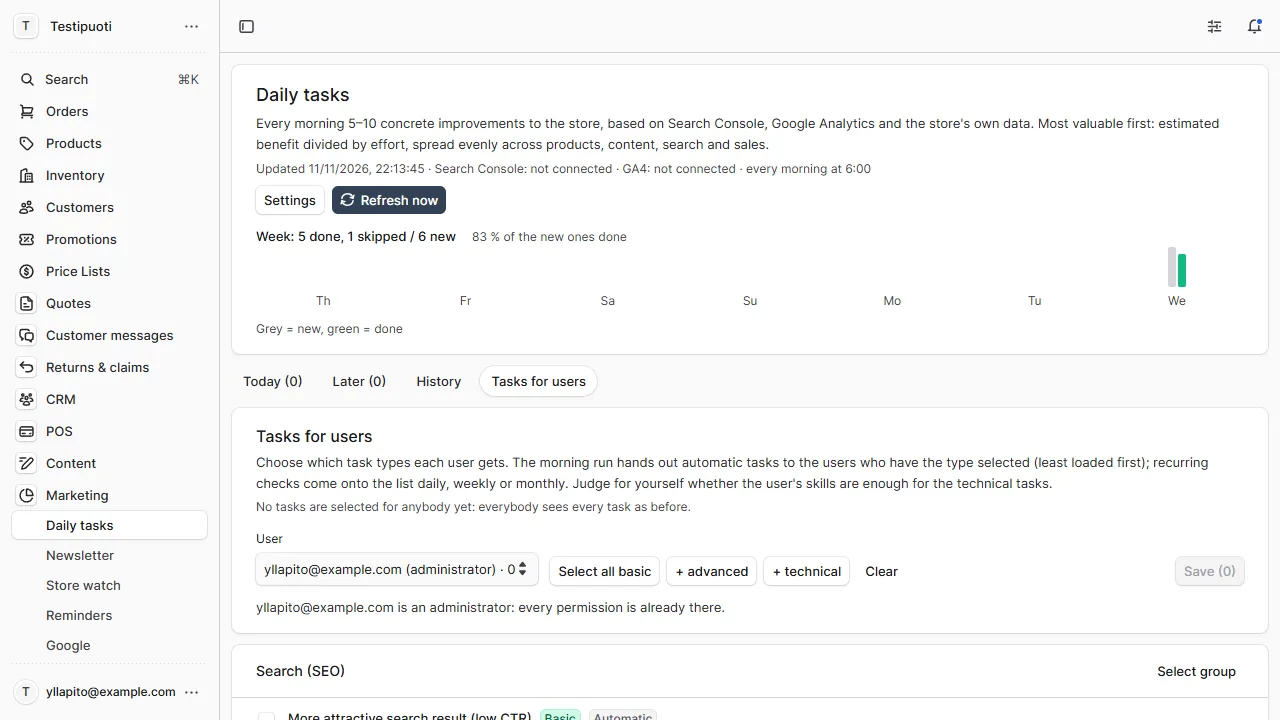
- Tasks can also be assigned to staff by topic
- A person always decides – KIDE tells you what to do first
- In the store: the old link now lands on the right page
- Visitors never see an error page, and Google moves the ranking to the new address
What a task contains
Every task says what to do, why (the numbers) and how (the steps). A button takes you straight to the right place in the admin. In the video, the task says that visitors still arrive at an old product address that no longer exists. A redirect fixes it in a minute.
- Search: a more compelling search result, pushing a page to the top, finding out why traffic fell, a redirect for a 404 page.
- Content: a new blog or FAQ topic, product links in an article.
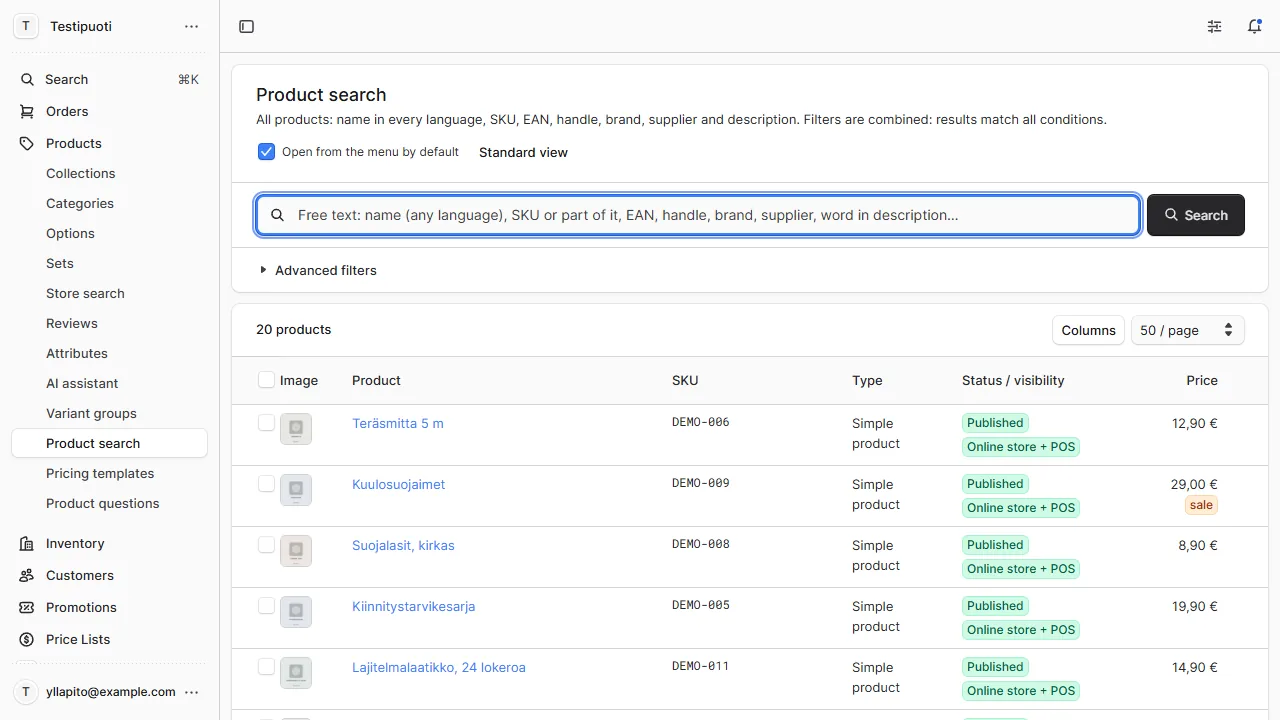
- Products: a missing description, image, translation, EAN or SEO title.
- Sales: sold out while there is demand, price below the purchase price, viewed but not bought.
Do it with AI – and a person approves
When a task can be done by AI, for example a product description or an SEO title, the Do it with AI button starts the AI assistant with a ready-made instruction. You see the old and the new version side by side, and nothing changes until you approve. Building the morning list uses no AI and costs nothing.
Tasks for the whole team
An administrator can assign task types to users: product data to the product manager, content to the blogger and orders to customer service. KIDE checks that each user has the rights the tasks need. Read more on the Daily tasks page.
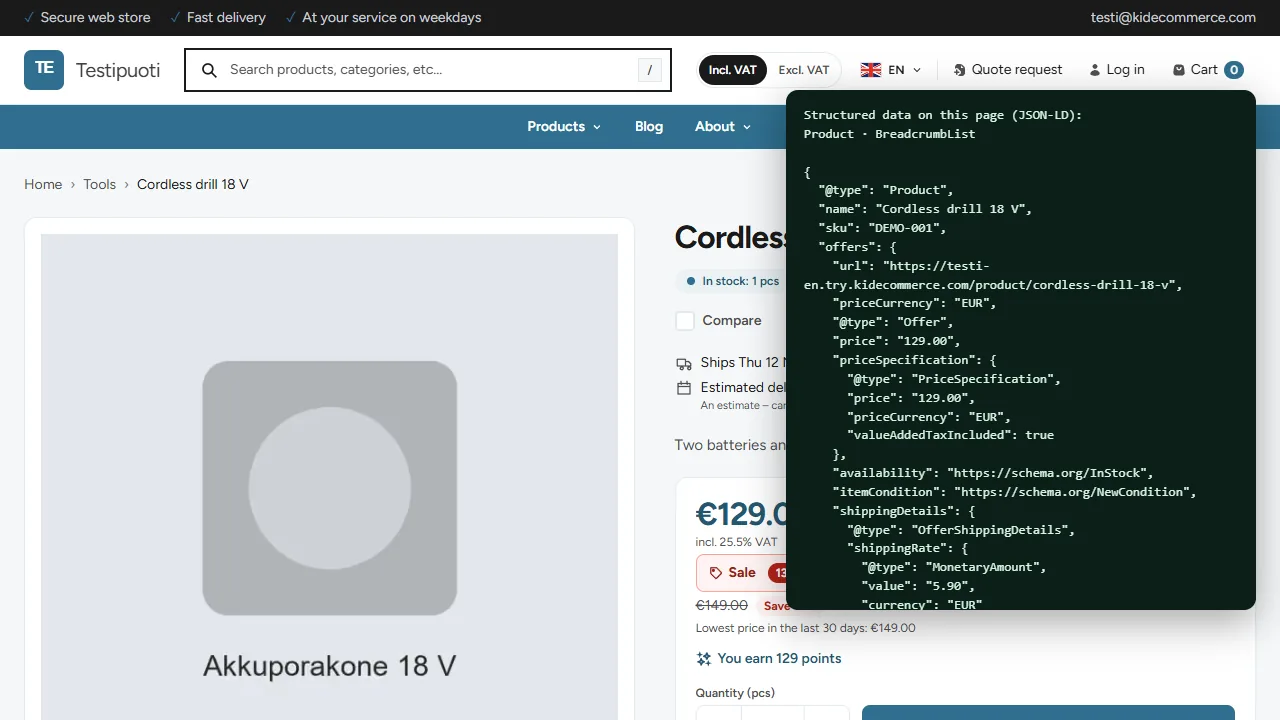
What the customer sees: the old link works again
Once the redirect is made, a visitor from the old link or search result lands straight on the right product page, with no error page. The end of the video shows the same thing in the store.
How to do it
- In the admin, open Marketing → Daily tasks. The list updates every morning, and Refresh now fetches new tasks at once.
- Read the task's reason and steps. If it doesn't fit today, choose Later or Skip.
- Press the task's button, for example Create redirect or Do it with AI. The right view opens already filled in.
- Make the change and save. You approve AI proposals yourself before they are published.
- Go back to the list and press Done. The weekly chart shows your progress.
Images: the KIDE Mini test shop, demo content.