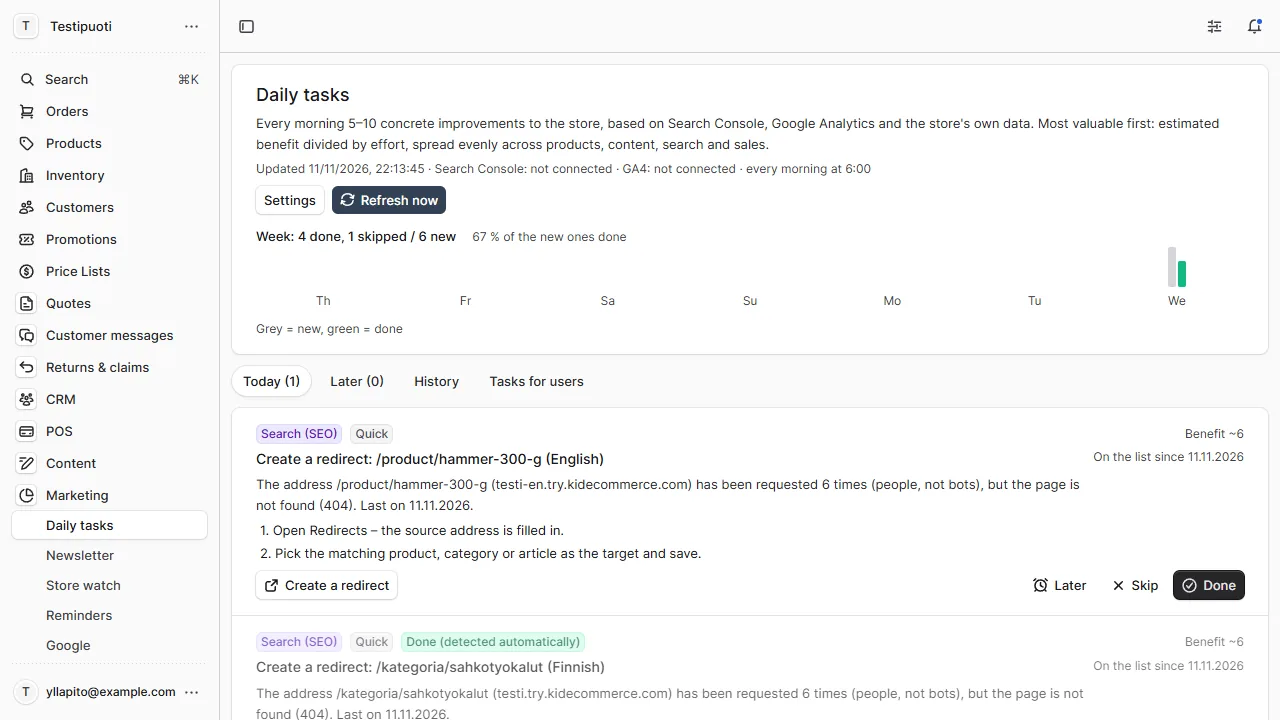
A plain product list works when you have dozens of products. With thousands you need to find, say, every product without an image or a Swedish description quickly, and fix them in one go.
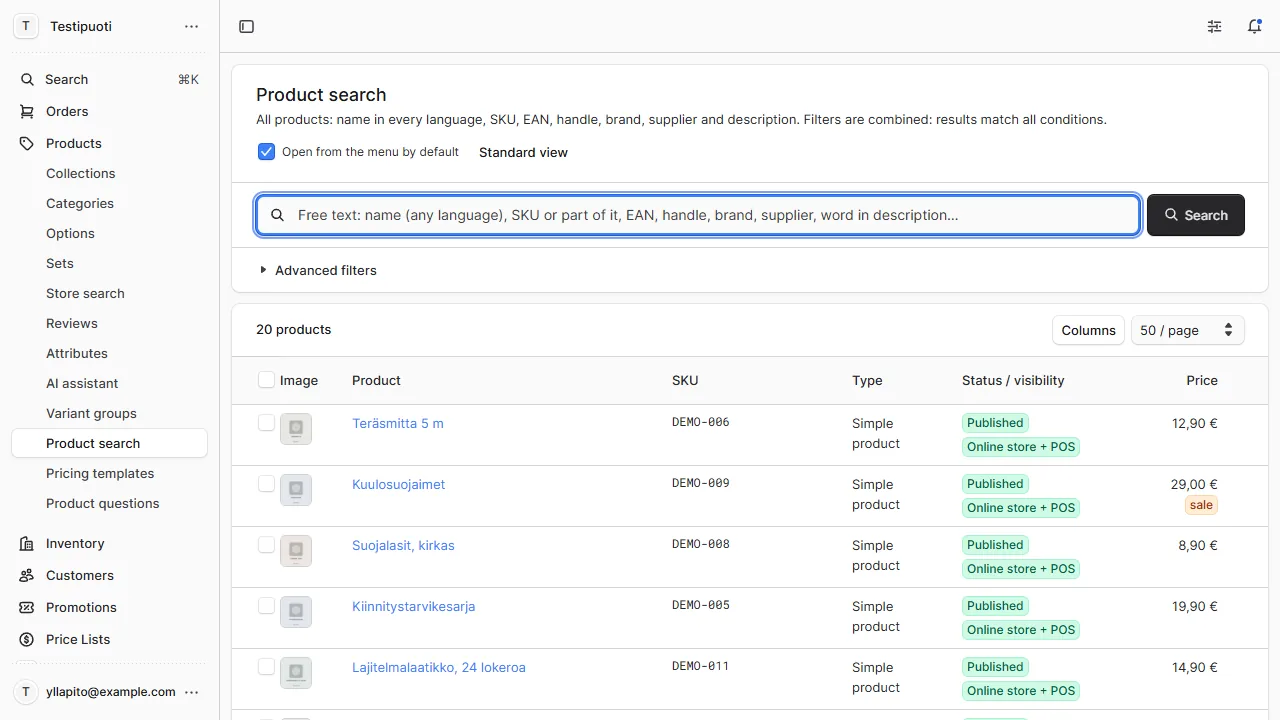
KIDE's product search searches in any language: name, product code or part of it, EAN, brand, supplier and words in the description. Filters combine, and a search can be saved or shared as a link.
Watch the video: Product search, bulk edit and import
Video captions
- Product search: every product in one view
- Search by name in any language, by SKU or by EAN
- Select products and edit them in one go
- Bulk edit: category, tag, visibility, discount cap or Excel
- Export to Excel, edit and import back
- Advanced filters: images, stock, category, SEO, translations…
- Every import is one change batch that can be undone as a whole
- The change history shows who changed what and when
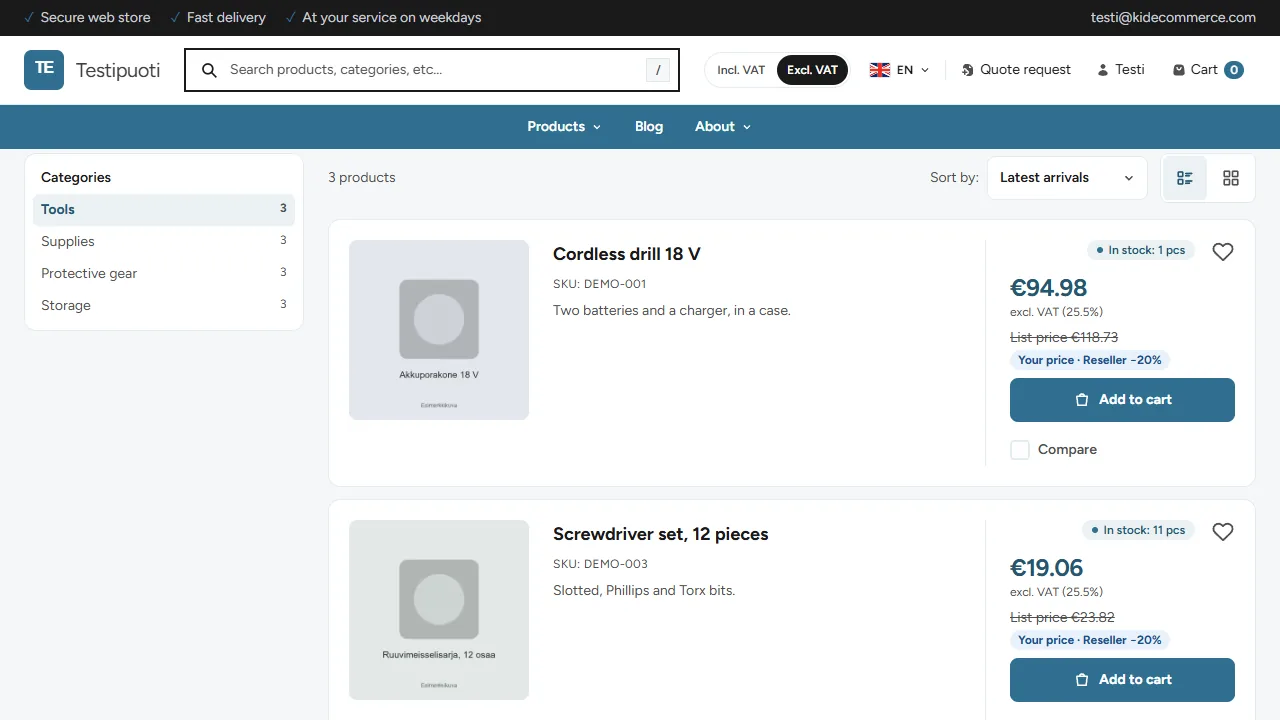
- The customer's view: the same product data in the category and on the product page
- Price, stock, delivery estimate and description come straight from product management
Bulk edits you can undo
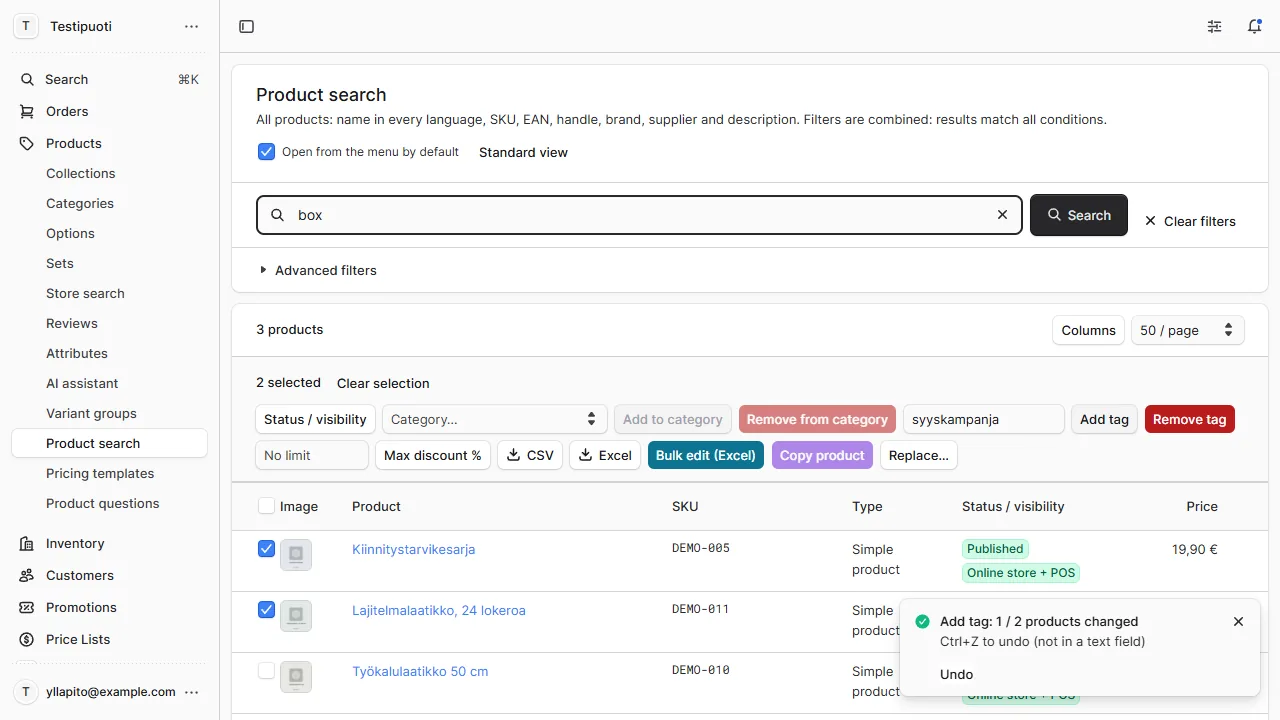
Select products and change publishing, visibility in the web store and at the till, categories, tags or the discount cap in one go. Every bulk change can be undone. A product that has been sold cannot be deleted by accident: it is marked Not in use, so it leaves the store, search, feeds and sitemap while old orders and reports still show it.
Filters find what is missing
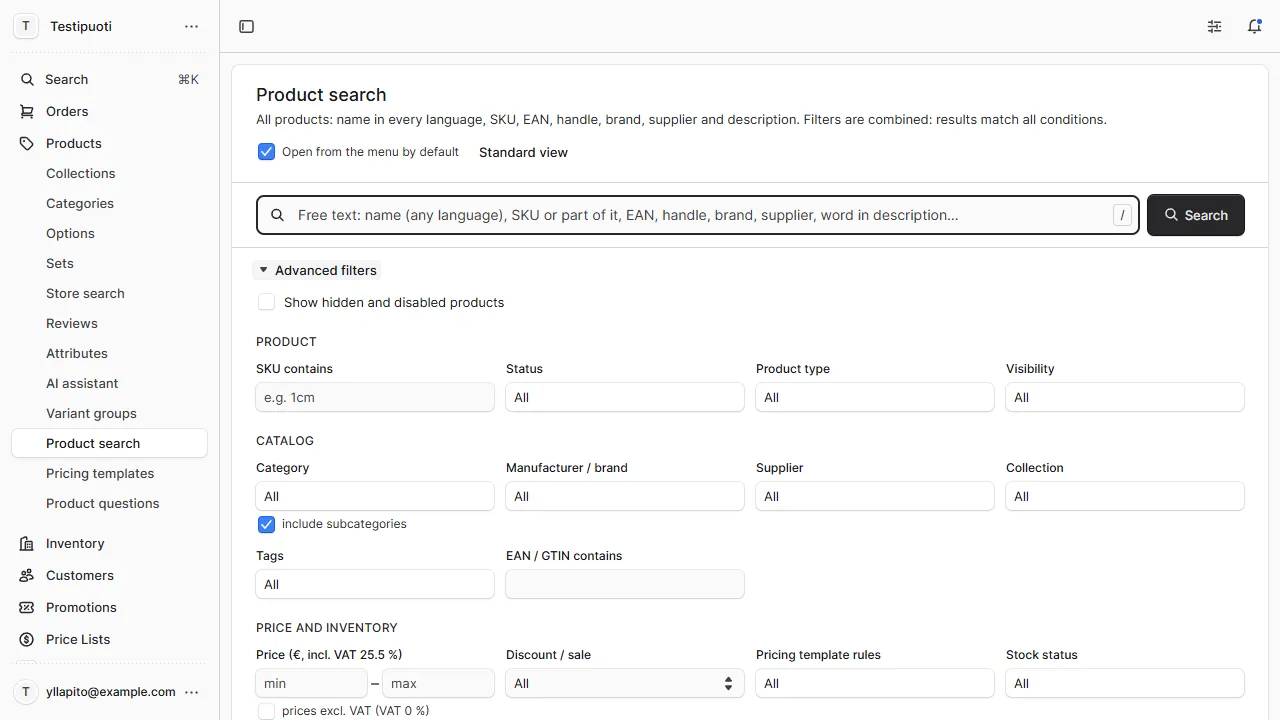
Advanced filters find products by type, category, brand, supplier, price, discount, stock, images, GTIN, missing translations and SEO texts, sales and reviews. The same gaps also show up in Daily tasks when a product gets traffic.
Excel and CSV without fear
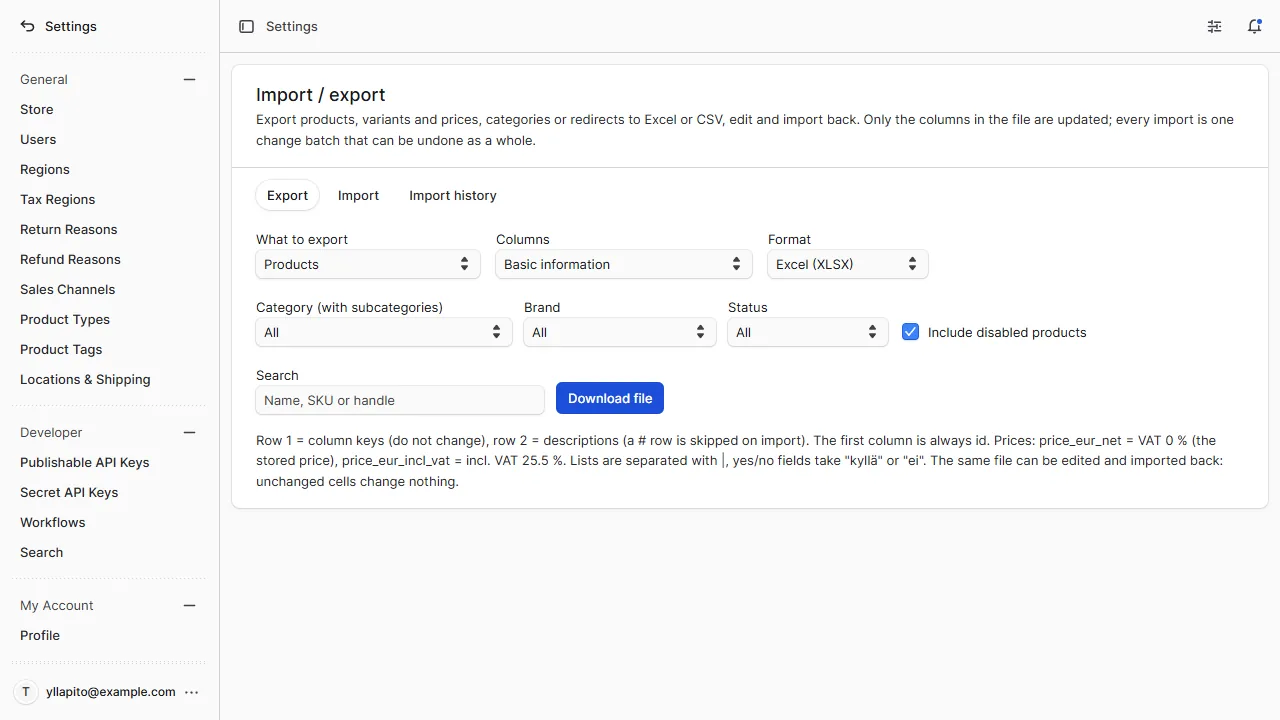
Products, variants and prices, categories and redirects are exported to Excel or CSV with ready templates, edited and imported back. The import checks every row and shows a preview and a change report before saving. Every import is one change batch that can be undone as a whole, and the change history shows who changed what and when.
What the customer sees: the product page
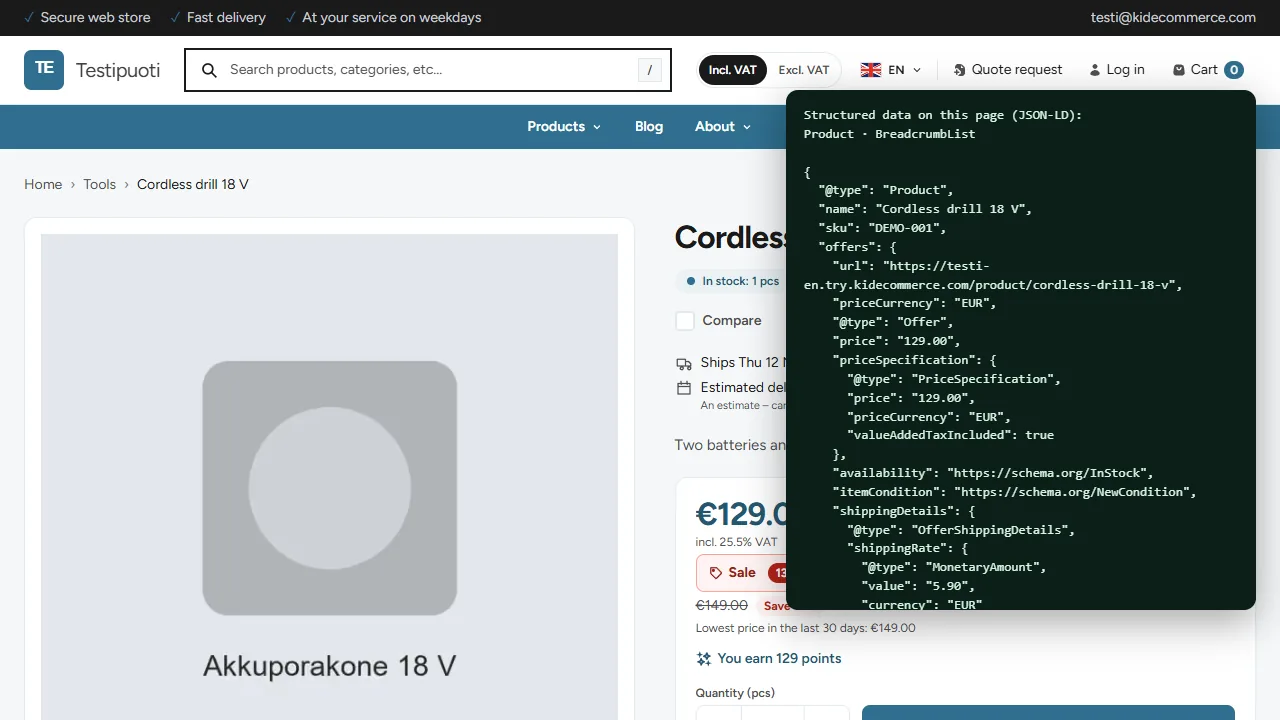
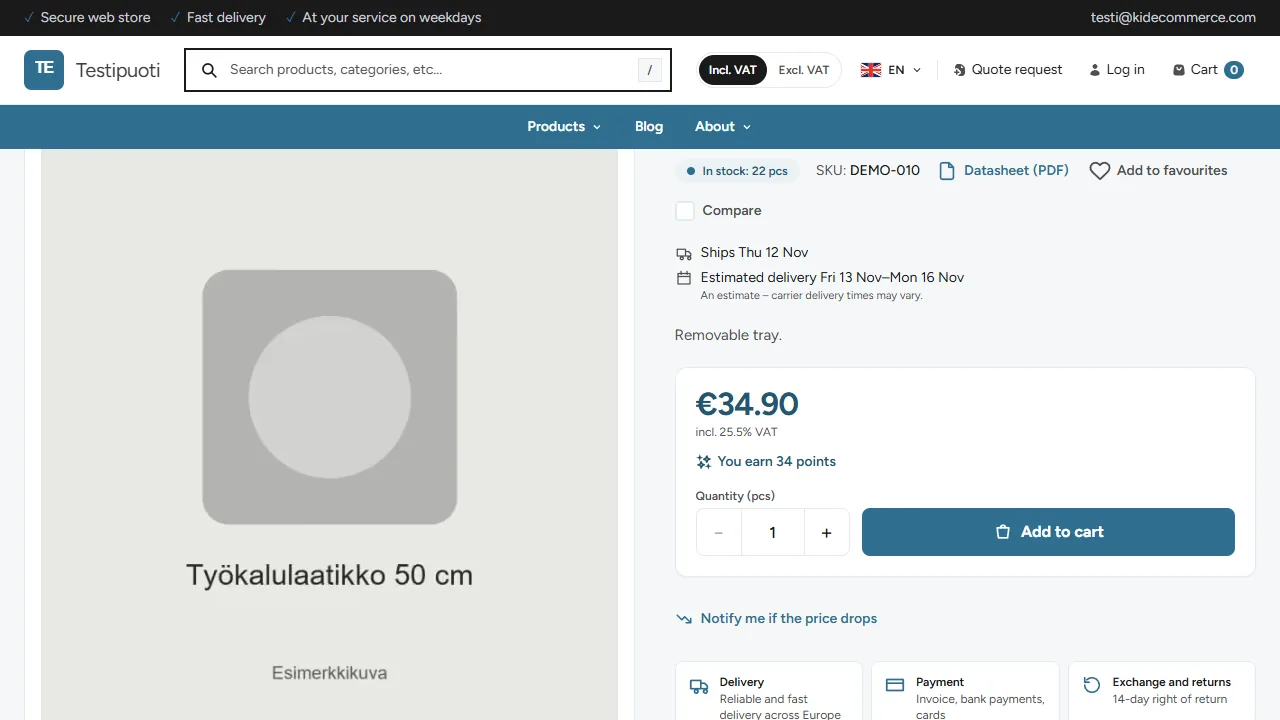
Changes made in product management show in the store at once: price, stock, delivery estimate and description. The page's structured data and the sitemap update at the same time.
How to do it
- Open Products → Product search and type a word, product code or EAN.
- Narrow down with Advanced filters if needed, for example products without an image.
- Select products with the row checkboxes, or the whole page at once.
- Make the bulk change from the toolbar, or export the selection to Excel and edit it there.
- Import the file back under Settings → Import / export, check the preview and save.
Images: the KIDE Mini test shop, demo content.