A separate inventory program or a spreadsheet means stock is updated by hand and purchasing decisions are guesses. A sold-out product stays on sale, and a popular one runs out because the order went in too late.
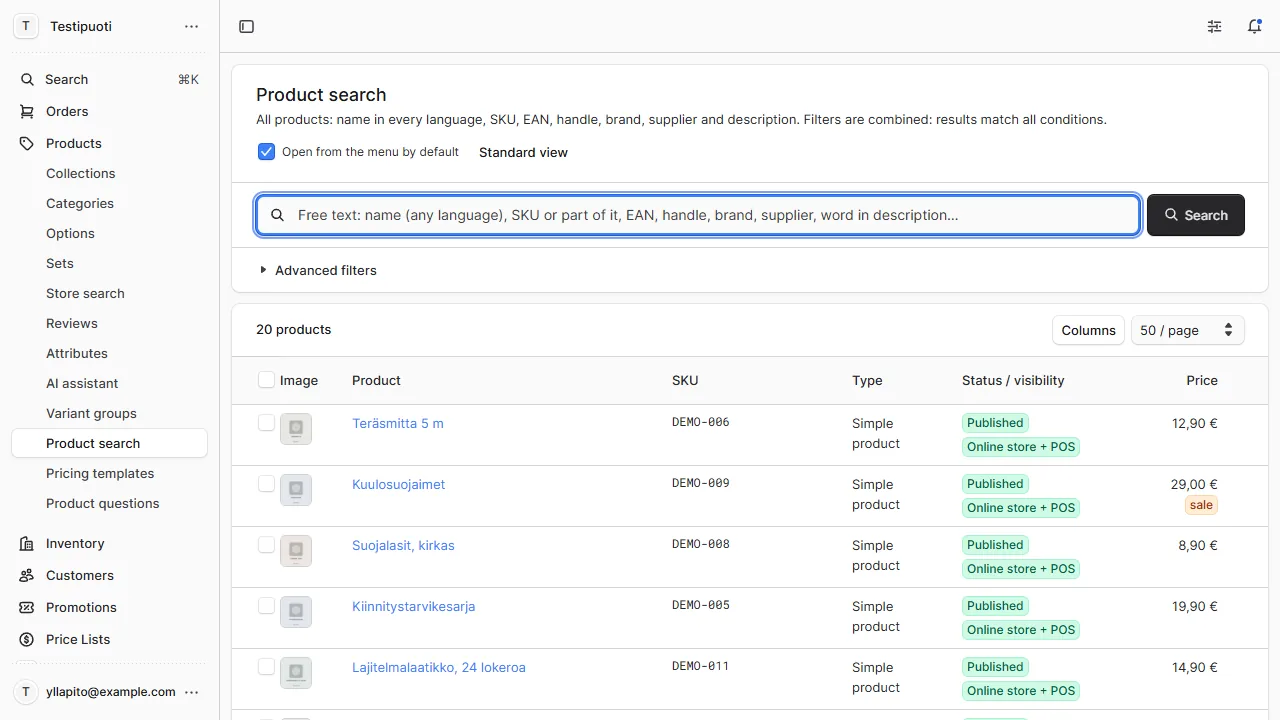
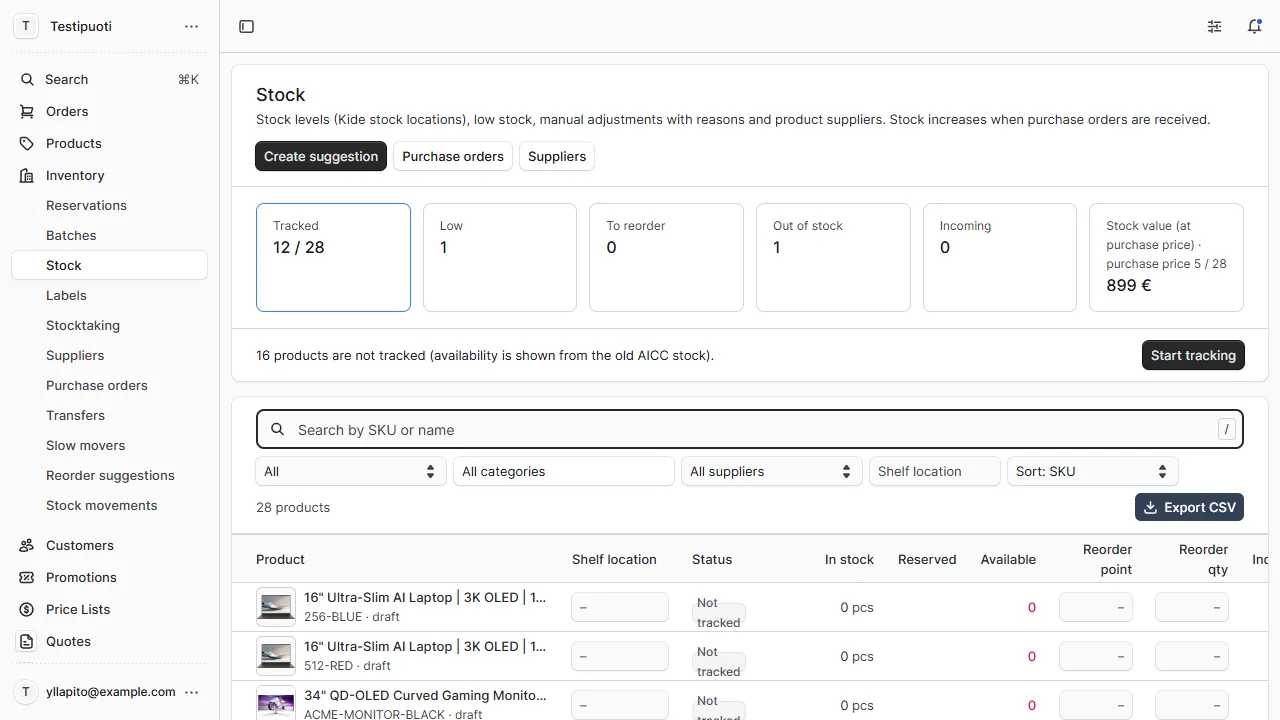
In KIDE stock is managed inside the store. Stock shows per location: in stock, reserved, available, reorder point, incoming and purchase price, and the stock value is calculated at purchase prices. Stock movements are recorded with reasons.
Watch the video: From purchase order to stock
Video captions
- Stock: stock levels, reorder points, incoming and stock value
- A purchase order to a supplier
- Products by search or from the supplier's product list
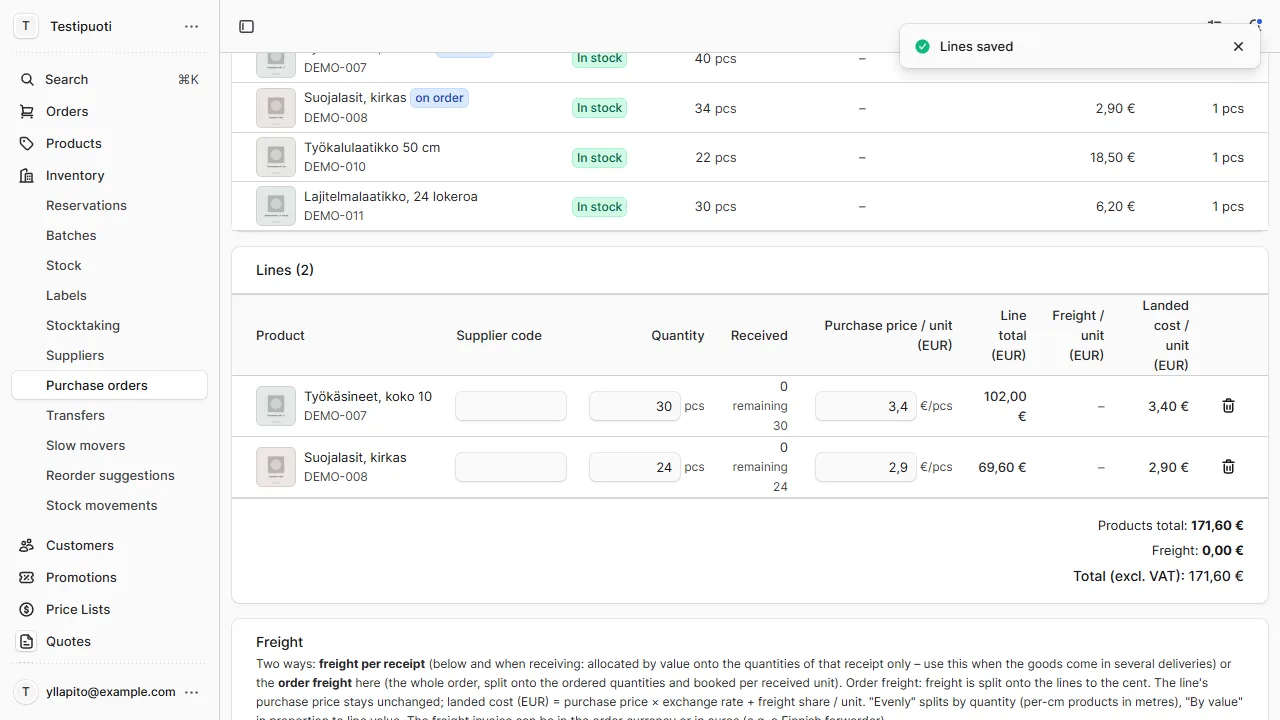
- Quantities and purchase prices on the lines
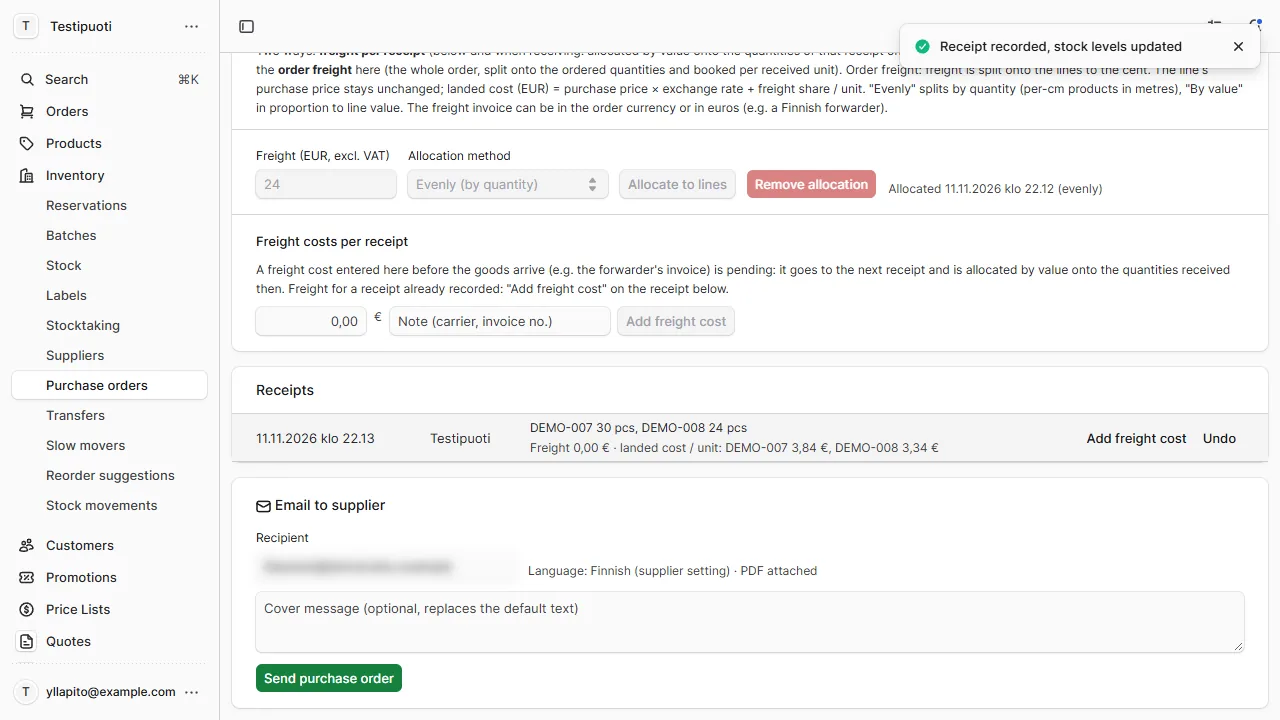
- Freight is allocated to the lines, so you see each product's landed cost
- The order goes to the supplier as a PDF or by email
- When the goods arrive: receive them, and stock goes up at once
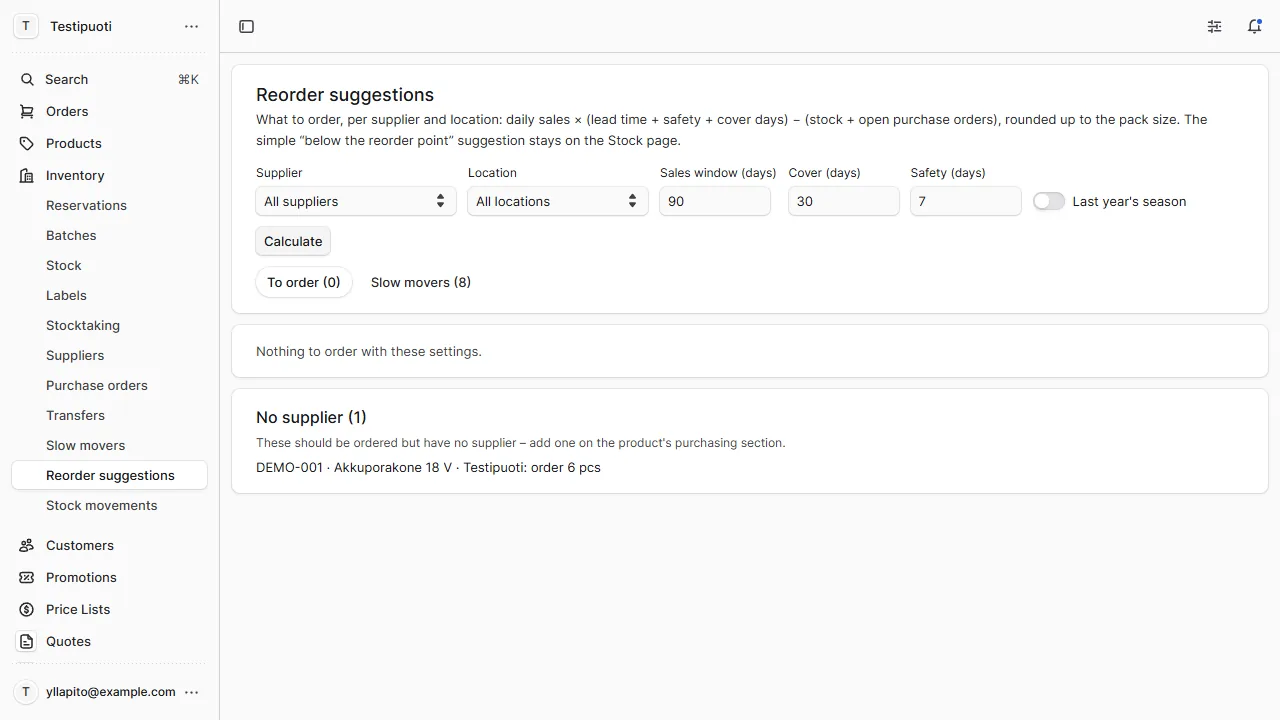
- Reorder suggestions: sales × lead time − stock and open orders
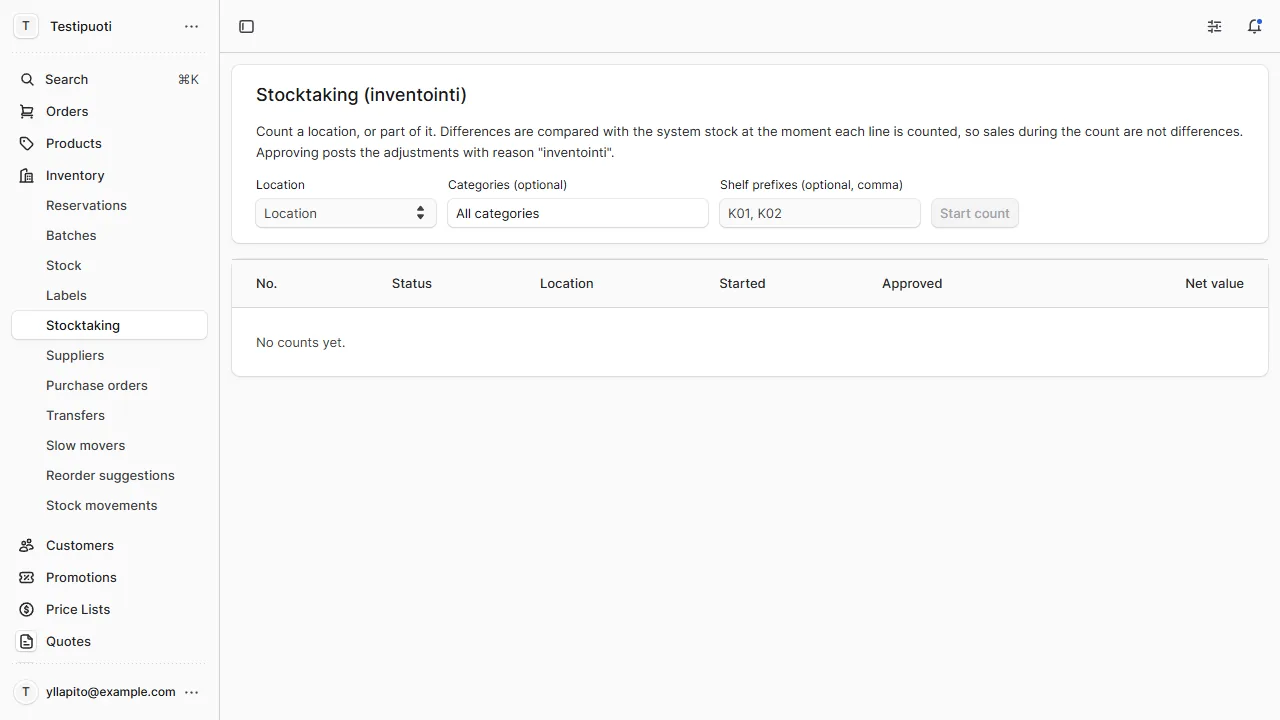
- Stocktaking, batches and best-before dates in the same system
- Orders and the POS pick the first-expiring batch first (FEFO)
- In the web store: the received purchase order shows in stock at once
- When a product is sold out, an open purchase order shows the expected arrival date
Purchase orders and receiving
Products are added to a purchase order by quick search or from the supplier's product list. The order is printed in Finnish or English or emailed to the supplier. Goods can arrive in several deliveries, and each delivery's freight is allocated to its lines to the cent. Receiving raises stock at once, and the purchase invoice can go to accounting.
When a product is sold out, the store shows the customer, based on an open purchase order, for example “50 arriving, estimated 15 Dec”.
Reorder suggestions: what to order and when
Reorder suggestions calculate per supplier what to order: sales speed (by default the last 90 days, or last year's season) times lead time and cover, minus stock and open purchase orders, rounded to the pack size. A purchase order draft takes one click. Slow movers show where capital is tied up.
Stocktaking and batches
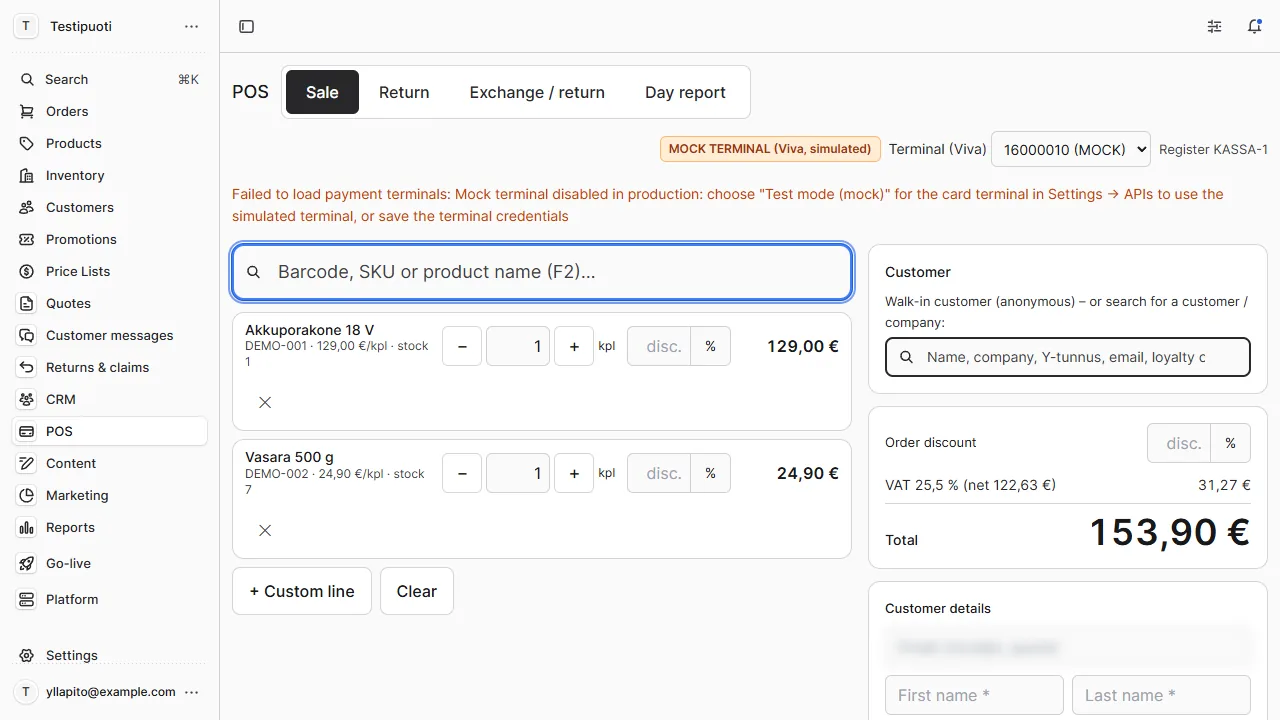
Stocktaking is done with a barcode scanner, one location or set of shelves at a time. Sales during the count are not differences, and approval posts the adjustments with a reason code. Optional batch tracking records lots and best-before dates, and orders and the POS pick the first-expiring batch first (FEFO). In a recall you see who received the batch.
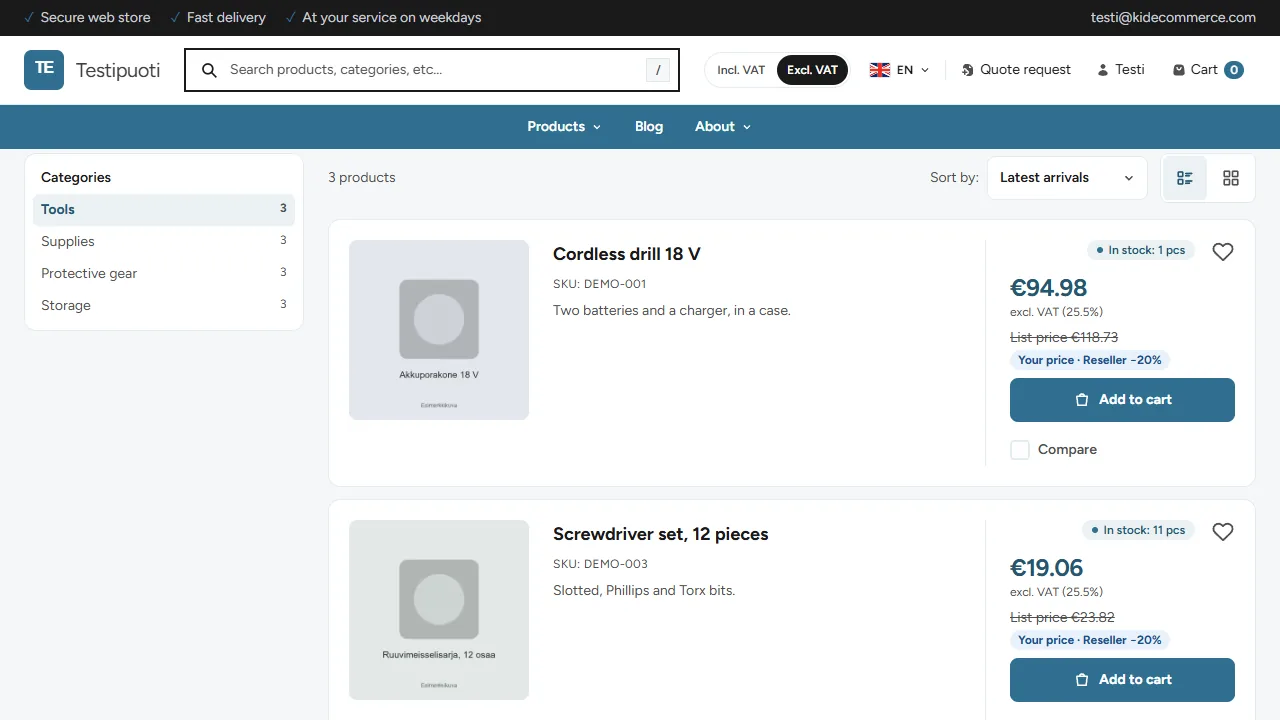
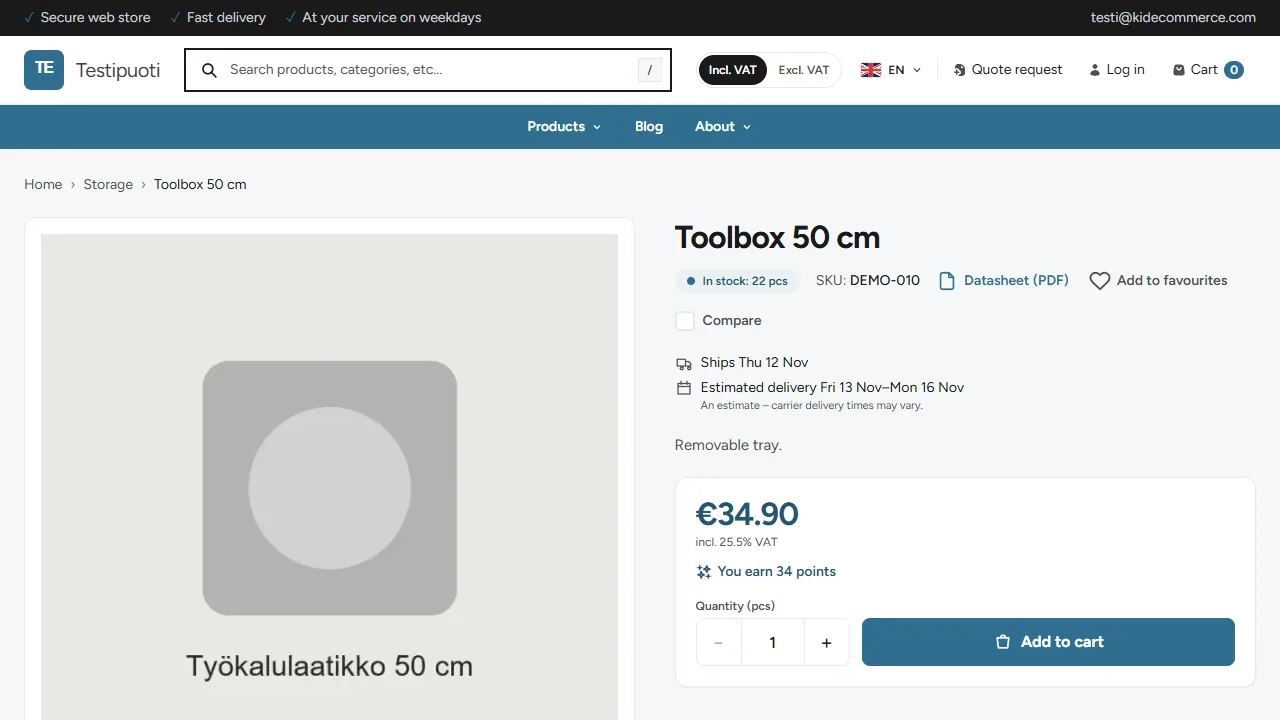
What the customer sees: stock on the product page
A received purchase order shows in the web store's stock at once. When a product is sold out, an open purchase order shows the customer the expected arrival date.
How to do it
- Add a supplier under Inventory → Suppliers, with its lead time and order language.
- Create a purchase order: Inventory → Purchase orders → New purchase order and choose the supplier.
- Add products, quantities and purchase prices and save. Enter the freight and allocate it to the lines.
- Send the order to the supplier and mark it as sent.
- When the goods arrive, record the receipt. Stock goes up at once in the web store and the POS.
Images: the KIDE Mini test shop, demo content.