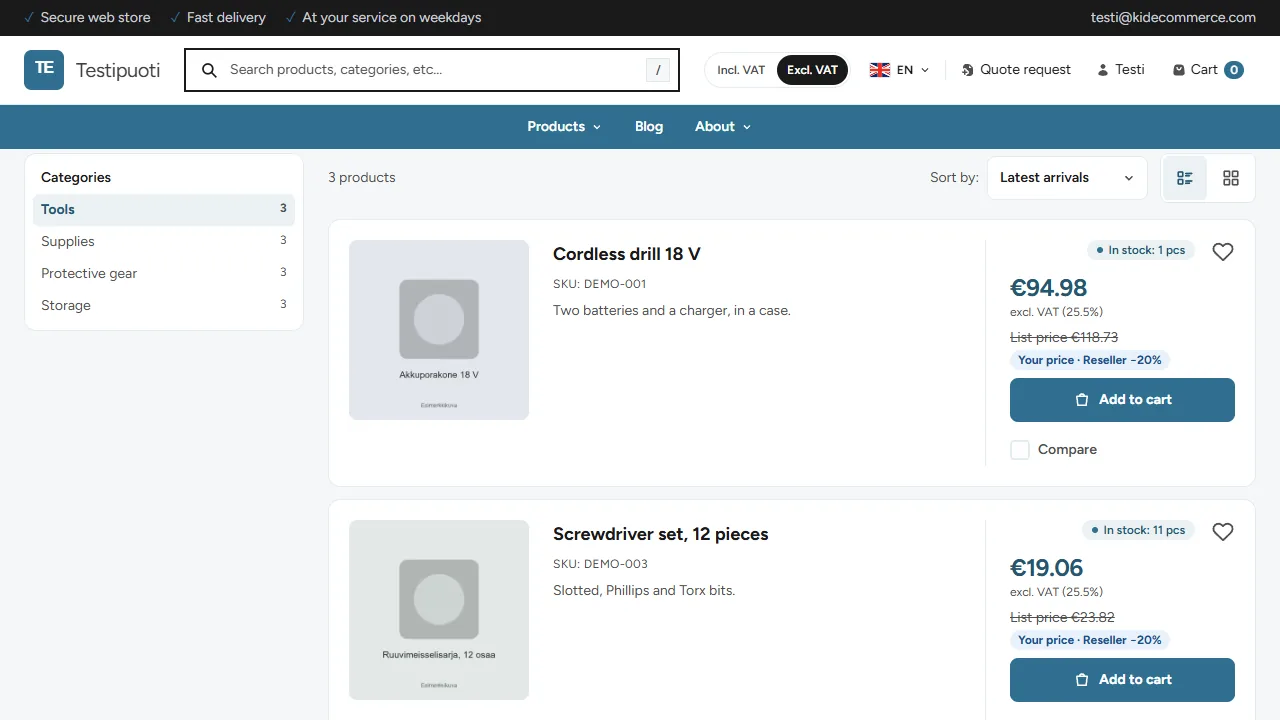
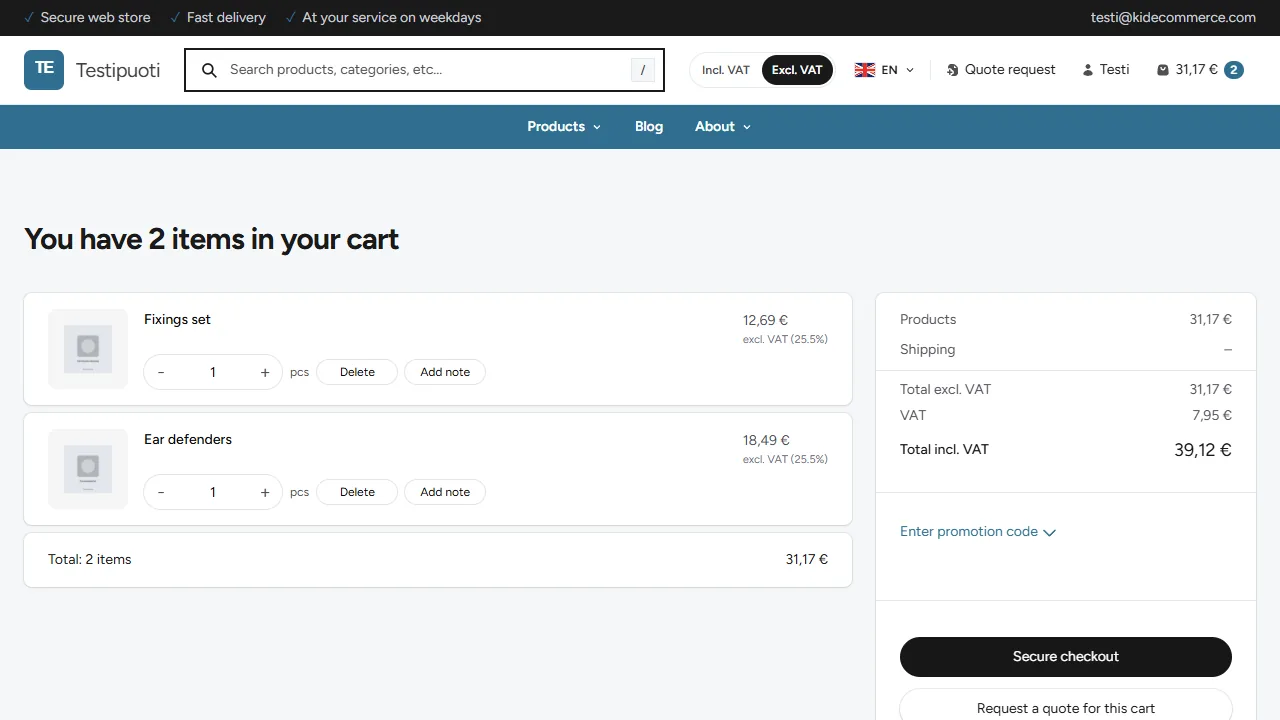
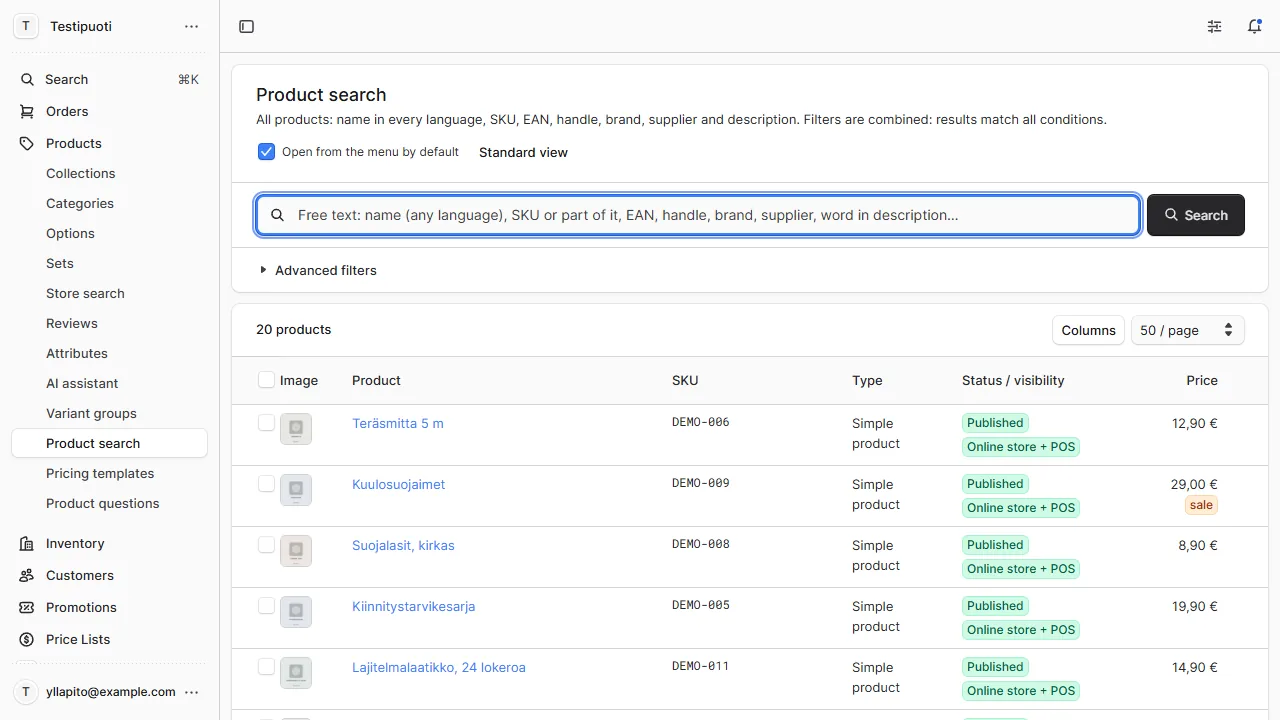
A separate POS system means two product registers, two price lists and stock that is synchronised, if it is synchronised at all. The web store shows a product in stock although the last one was sold in the shop an hour ago.
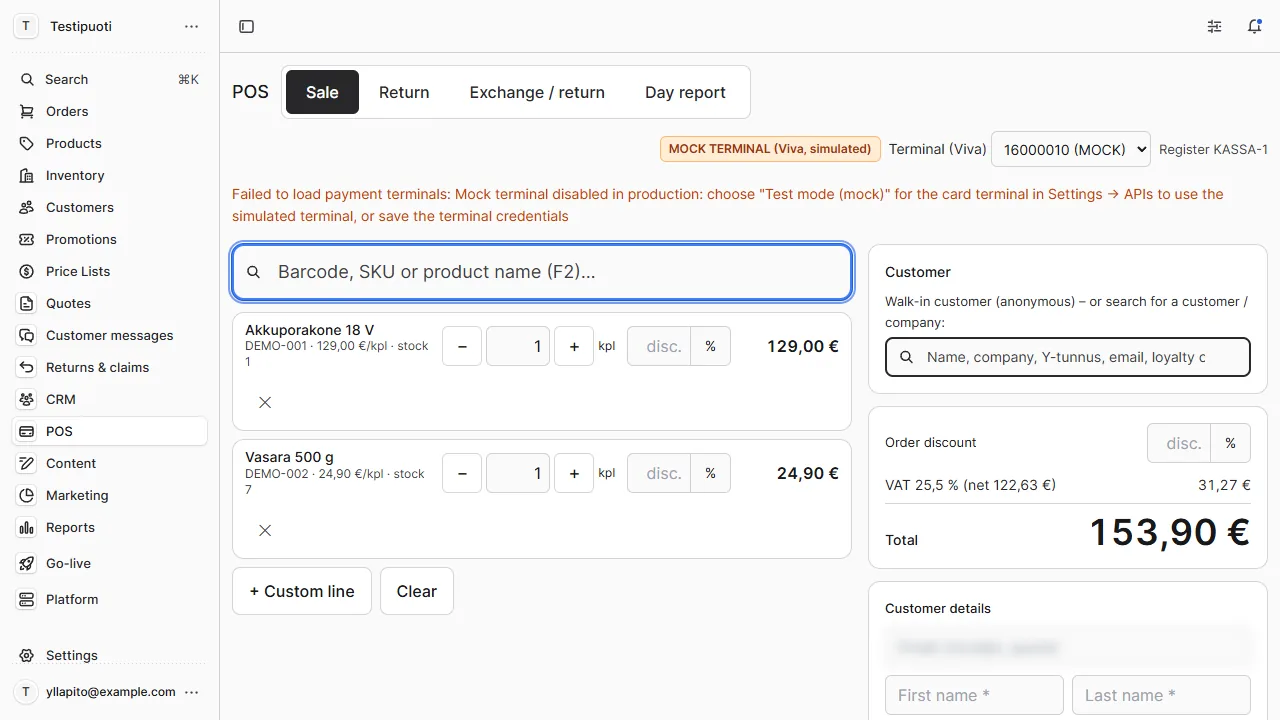
KIDE's POS is an admin page built for a tablet or the counter computer: large buttons, and the barcode scanner works as a keyboard. A POS sale is a normal order in the Shop sales channel, and stock drops at once from the same inventory as the web store.
Watch the video: A POS sale from start to the day report
Video captions
- The in-store POS in the same system as the web store
- Barcode, SKU or name – the same product and stock as online
- Customer: walk-in, loyalty member or a company with its own prices
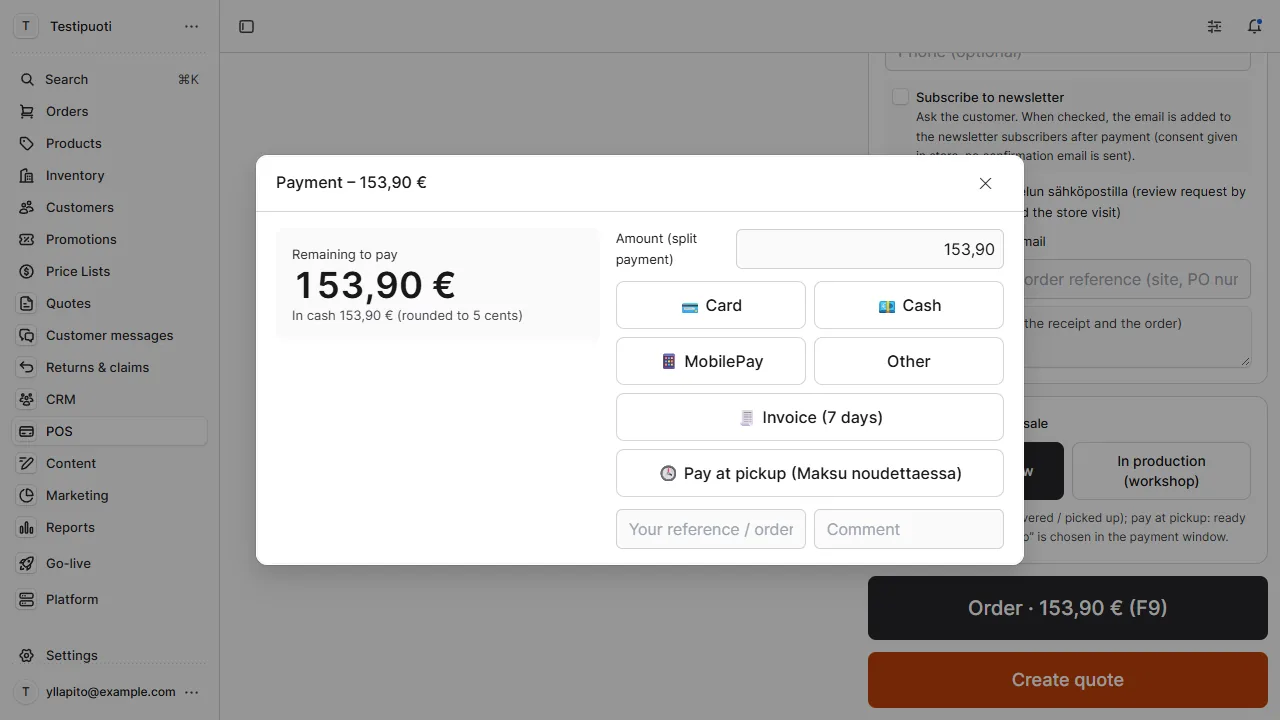
- Payment: card on the terminal, cash, MobilePay or invoice
- In the test shop the terminal is simulated – no real payment is made
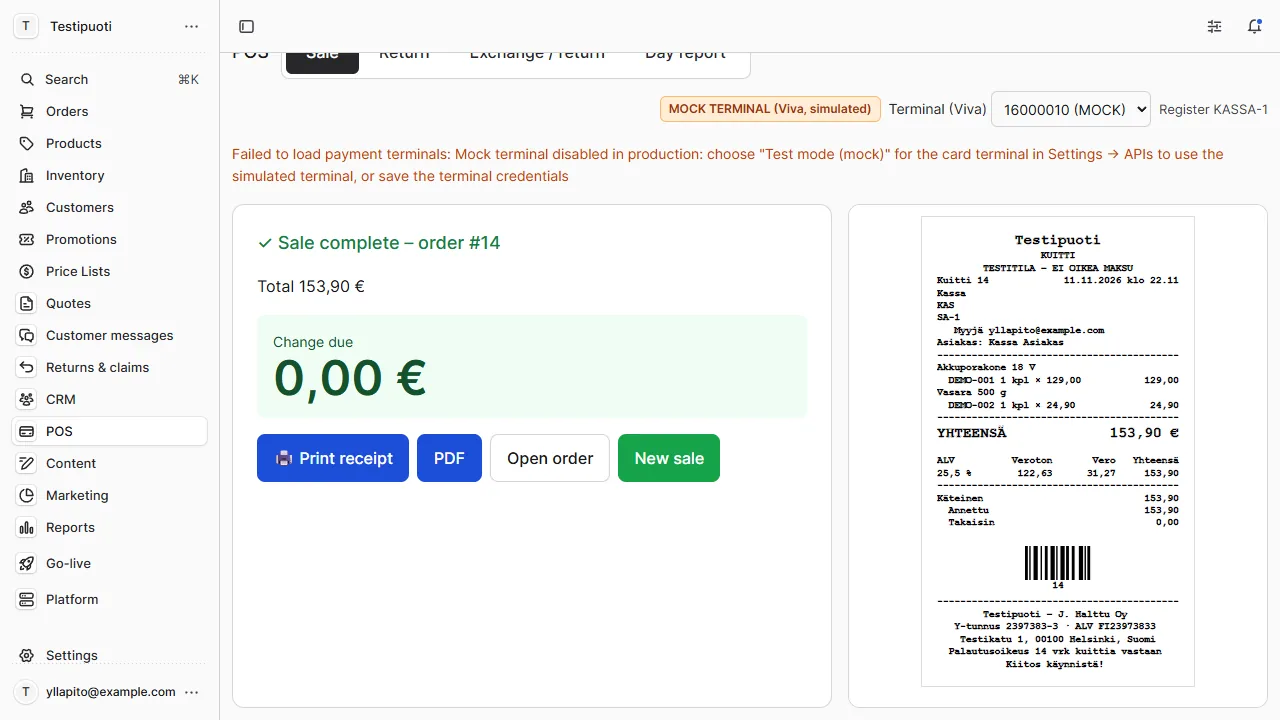
- In this example the customer pays in cash
- The receipt is printed or emailed, and the order lands in the same system
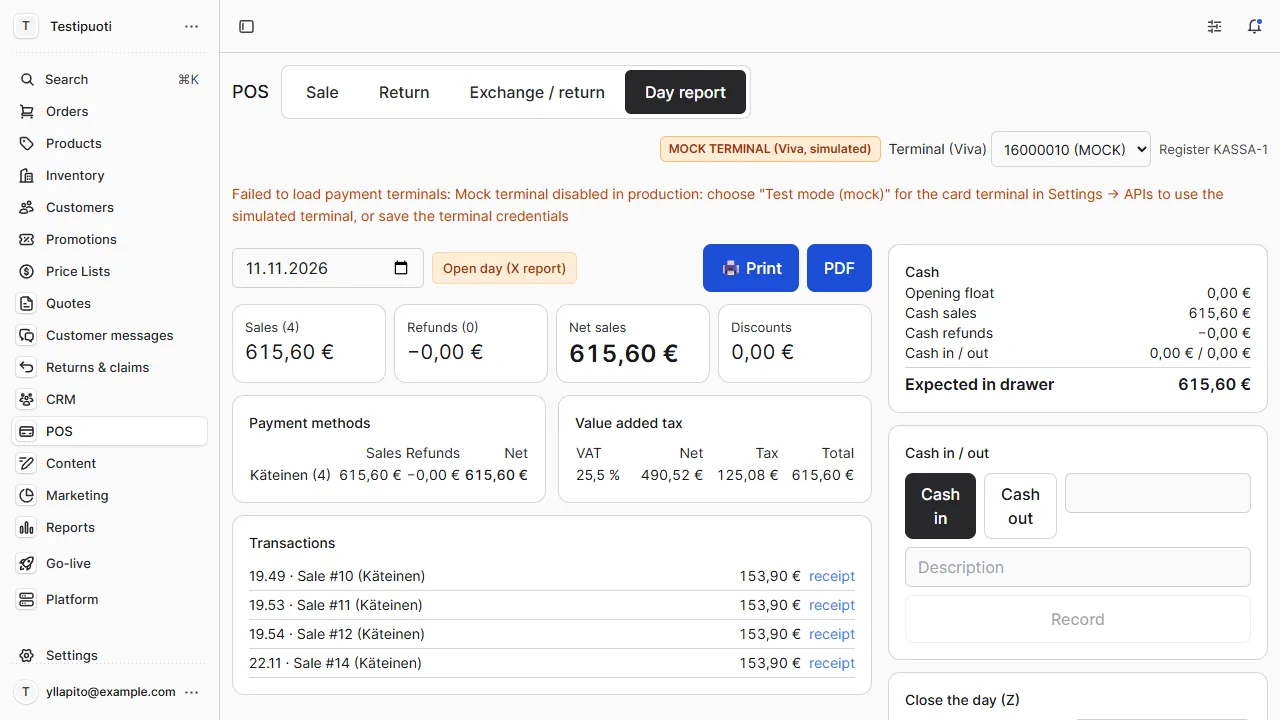
- Day report: X and Z reports and the cash count
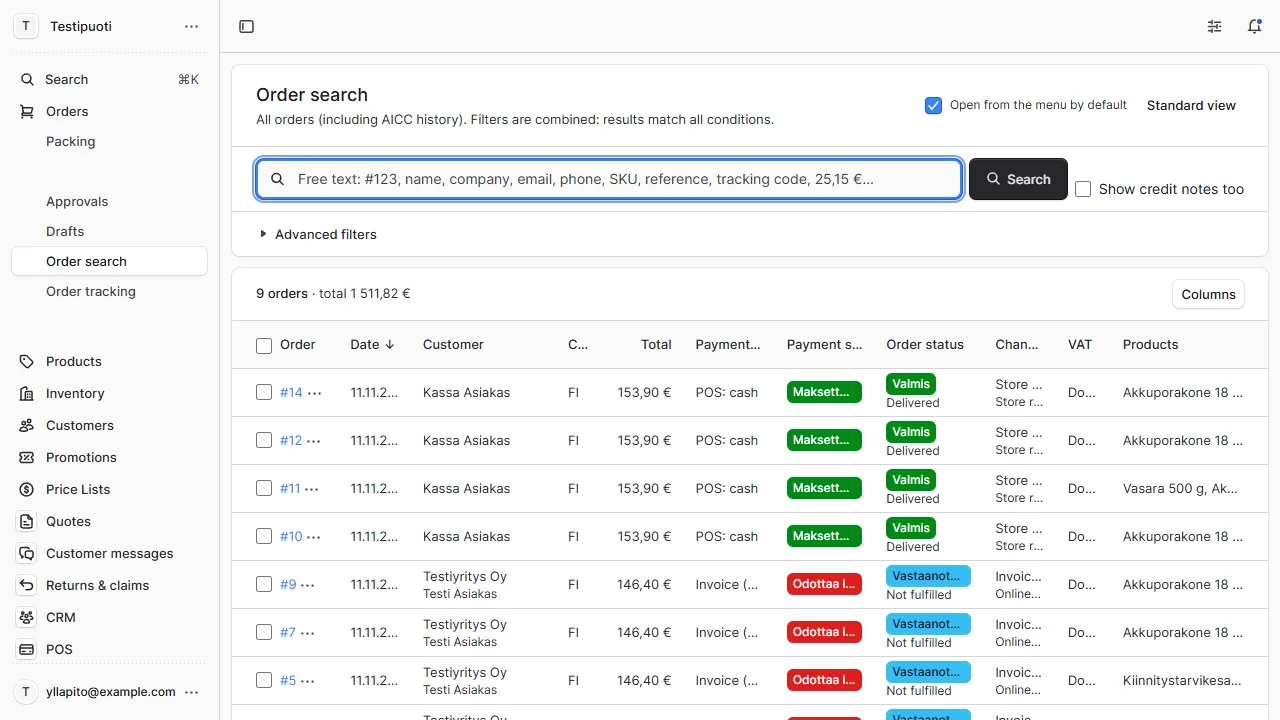
- POS sales show in the orders next to the web orders
- In the web store: the POS sale reduced the same stock
- A POS sale also shows in the customer's account when the customer is identified
Sale, customer and prices
- Products by barcode, SKU or search. Goods by the metre as a length, and bundles with the same configurator as the web store.
- Discounts per line in percent or euros, and for the whole sale.
- The customer can be a walk-in customer or a found customer or company, in which case the POS uses the customer's prices and shows an invoice customer's payment term and credit limit.
- Loyalty points are earned the same way as online when the loyalty programme is in use.
Payment and receipt
Card payments go through the terminal (Viva Cloud Terminal or Nets Connect@Cloud). Cash with change, MobilePay, invoice for approved customers and split payments are also available. The receipt prints on an 80 mm receipt printer or goes by email. In the video's test shop the terminal is simulated, so no real payment was made.
Day report and orders
At the end of the day: the X and Z report and the cash count. Returns and exchanges are refunded to the card on the terminal or in cash, and workshop orders are paid at pickup. Every POS sale shows in the order search next to the web orders and goes into the same accounting.
What the customer sees: one shared stock
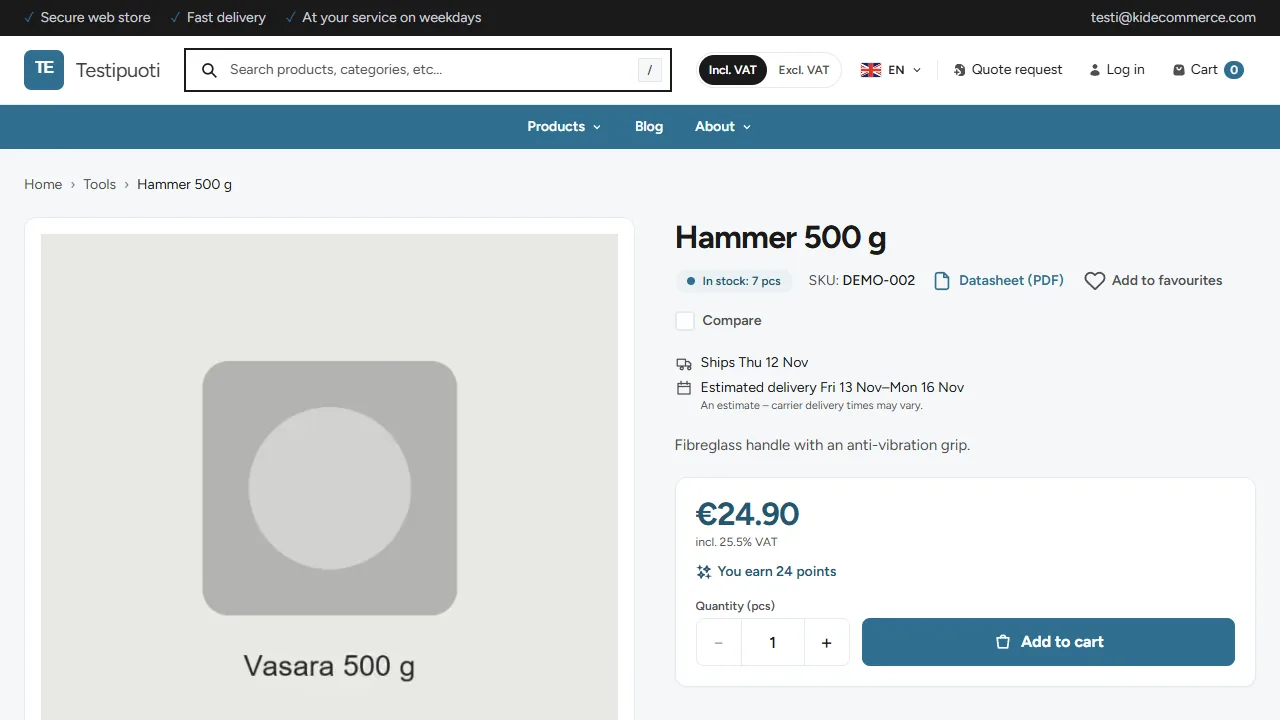
A POS sale reduces the same stock the web store's product page shows, so the web store never sells an item that just left the shop.
How to do it
- In the admin, open POS and choose the payment terminal.
- Scan the product's barcode or type the SKU or name and press Enter.
- Choose the customer if they are a loyalty member or a company, or continue as a walk-in customer.
- Press Order (F9) and choose the payment method: card, cash, MobilePay or invoice.
- Print or email the receipt. At the end of the day, make the Z report and count the cash.
Images: the KIDE Mini test shop, demo content.